Console
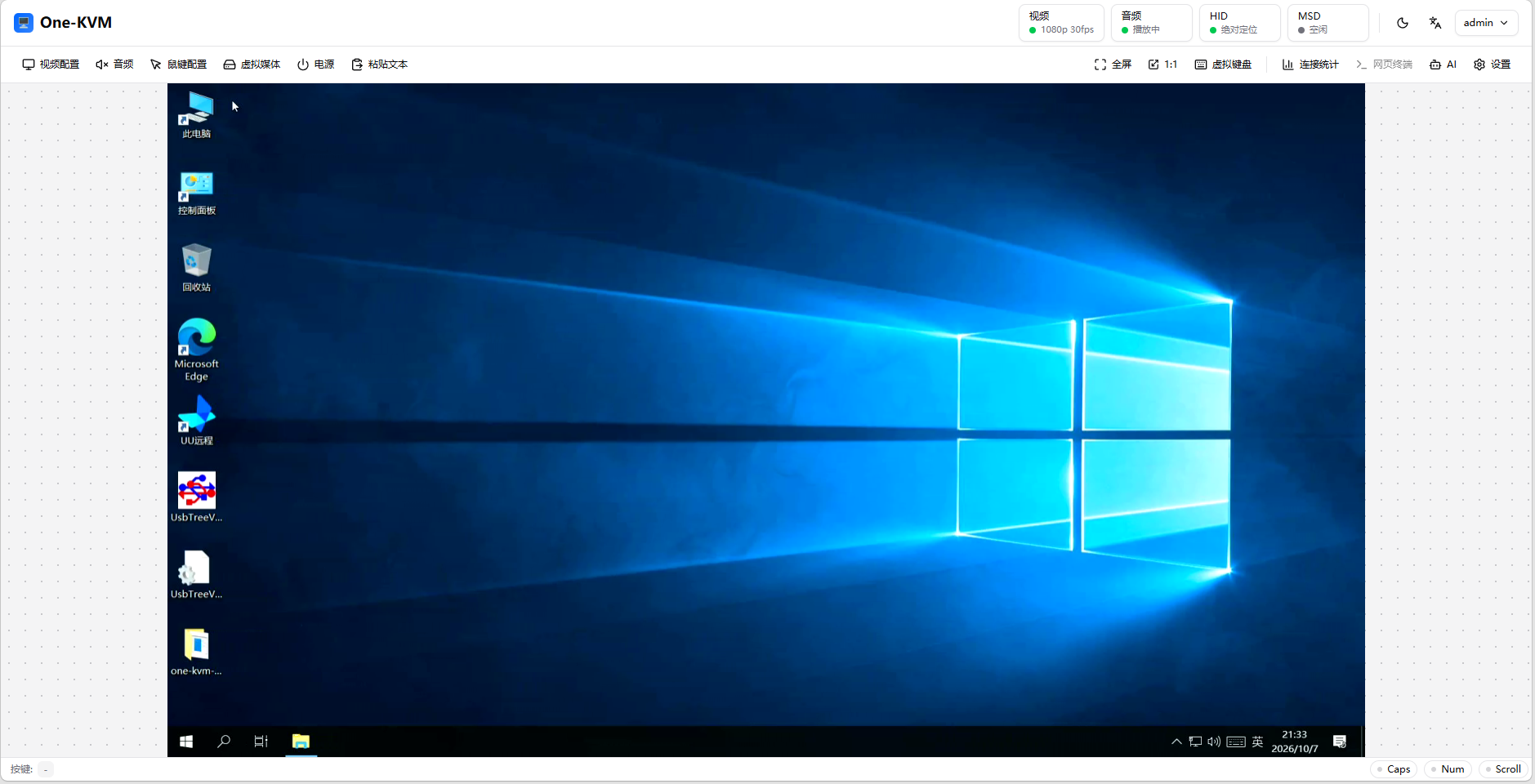
The One-KVM console is the remote-operation page. The top status bar shows video, audio, HID, and MSD state; the center shows the target screen; the bottom toolbar provides video, audio, keyboard and mouse, virtual media, and power controls.
Sign-in
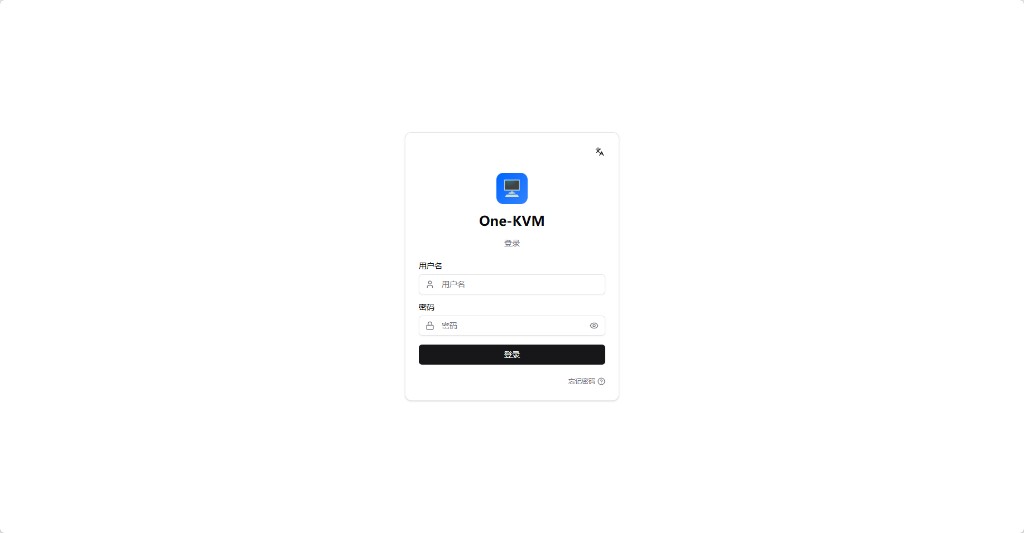
After signing in, the first setup must be completed through the initial setup wizard.
Status and screen
Status buttons at the top show connection state. Click one to inspect video, audio, HID, MSD, and control-channel details and errors.
Video
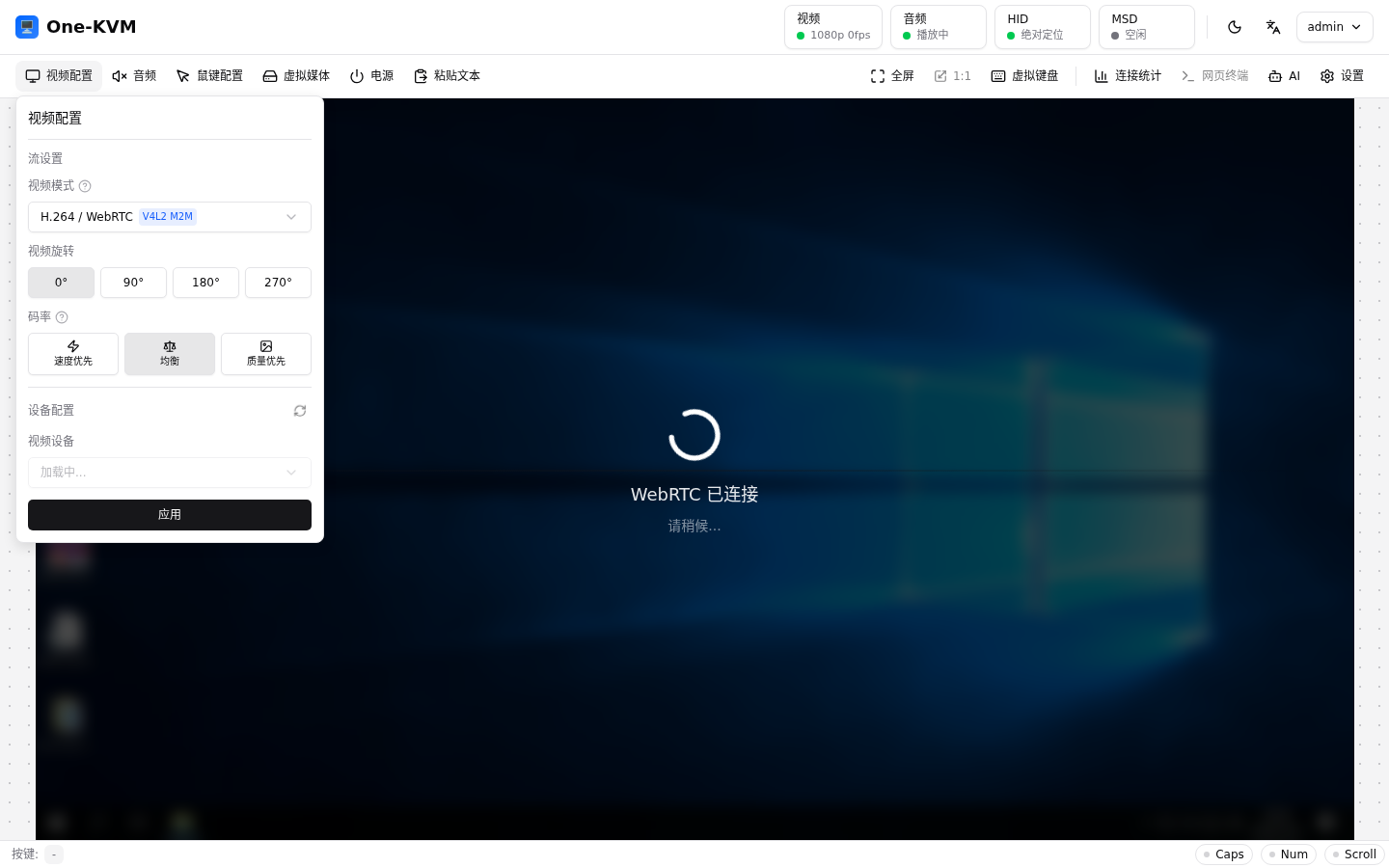
Video settings provides the available stream mode (MJPEG/HTTP or H.264/WebRTC), capture device, input format, resolution, frame rate, encoder, bitrate preset, and signaling options. HTTP is broadly compatible but uses more bandwidth; WebRTC uses less bandwidth and depends on the browser and network. Fullscreen fills the browser window and 1:1 shows the source pixels.
Audio
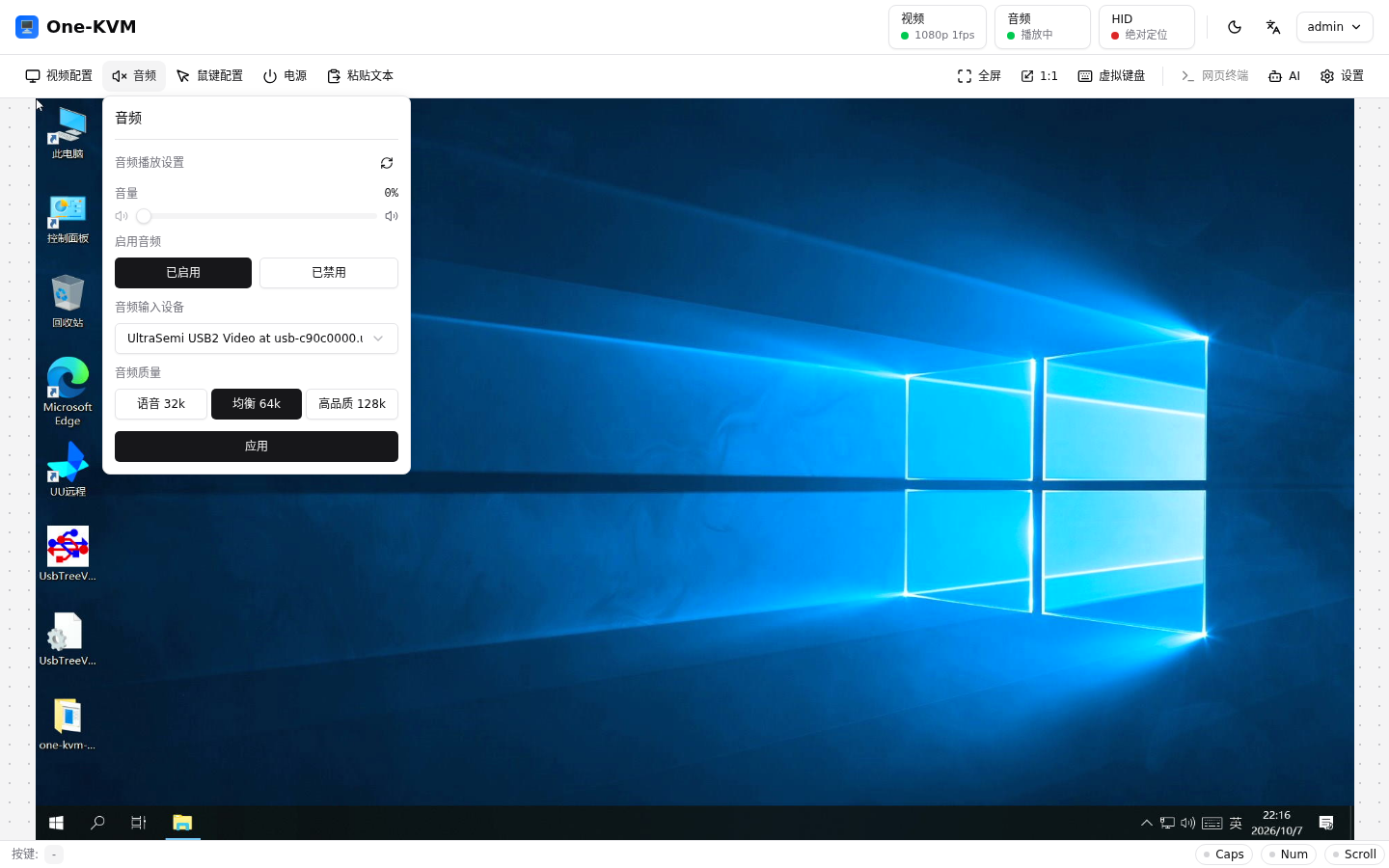
Open Audio to enable or stop playback, select the input device, and adjust volume and quality. The browser may require a user gesture before playback starts.
Keyboard and mouse
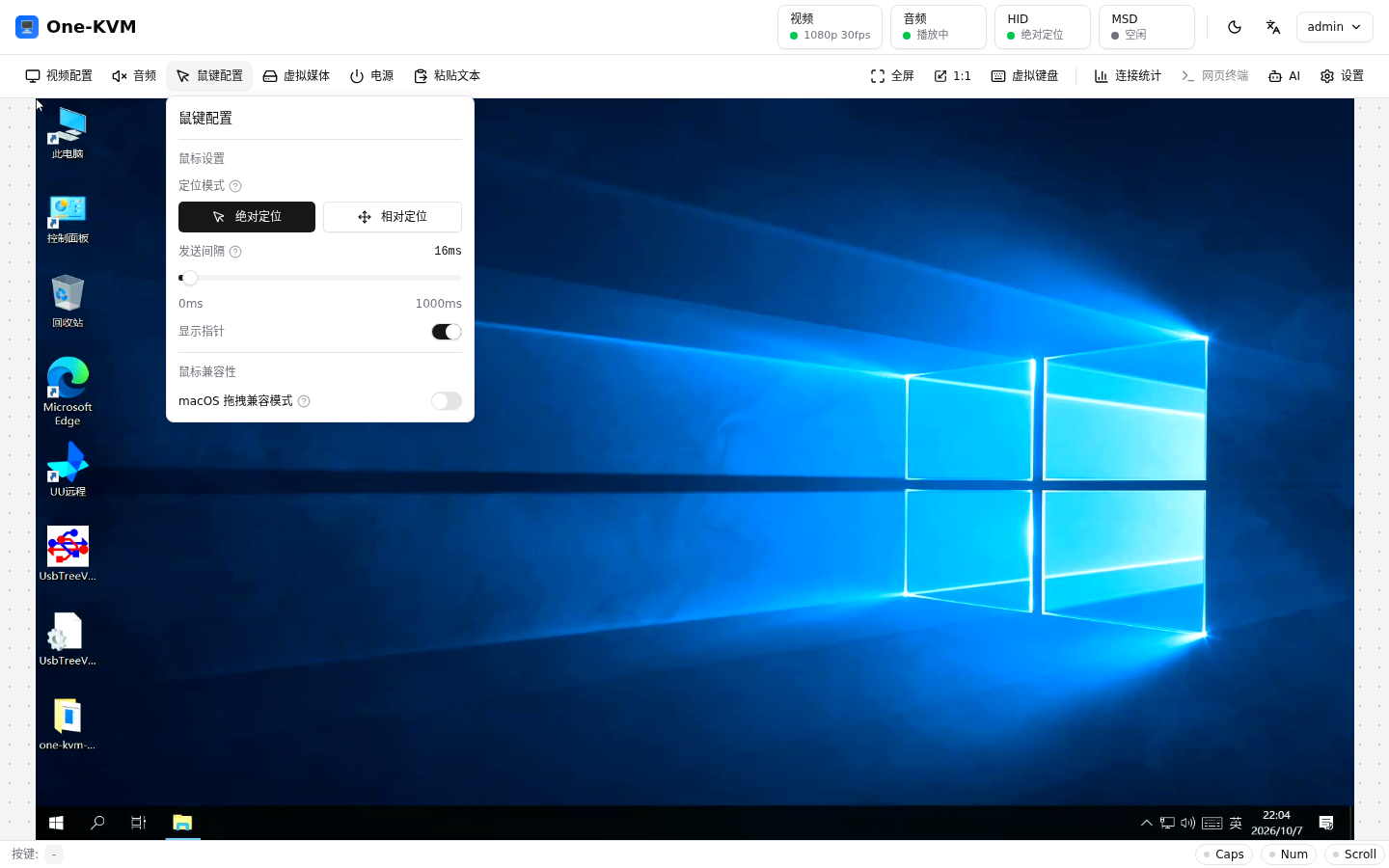
Keyboard and mouse settings selects absolute or relative mouse positioning and shows the HID backend, device path, and send interval. The virtual keyboard provides an on-screen keyboard and displays Caps, Num, and Scroll state when supported.
Virtual media
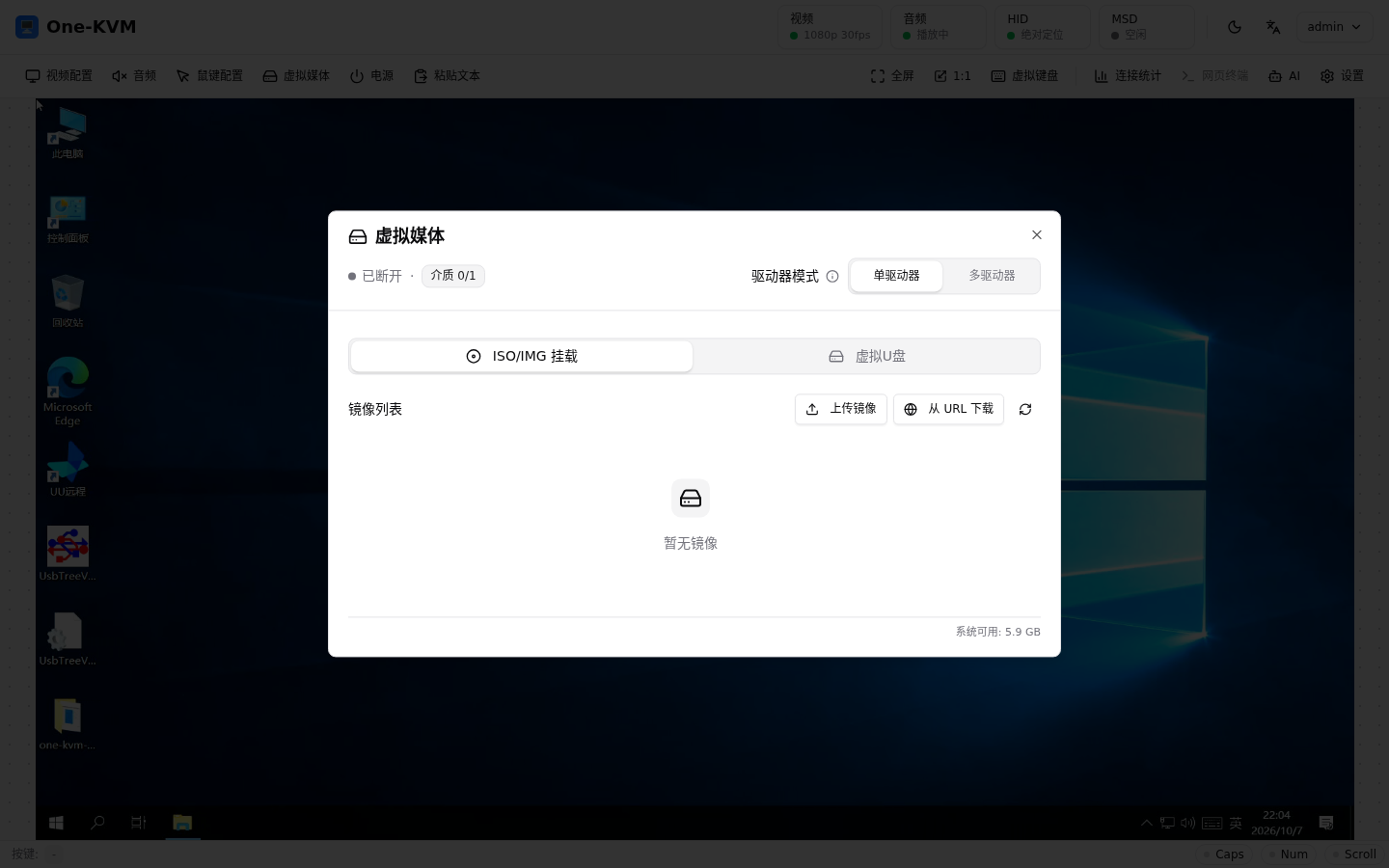
Virtual media manages virtual USB drives and optical images, including upload, download, mount, and unmount. Media in use must be ejected by the target system before removal.
Power
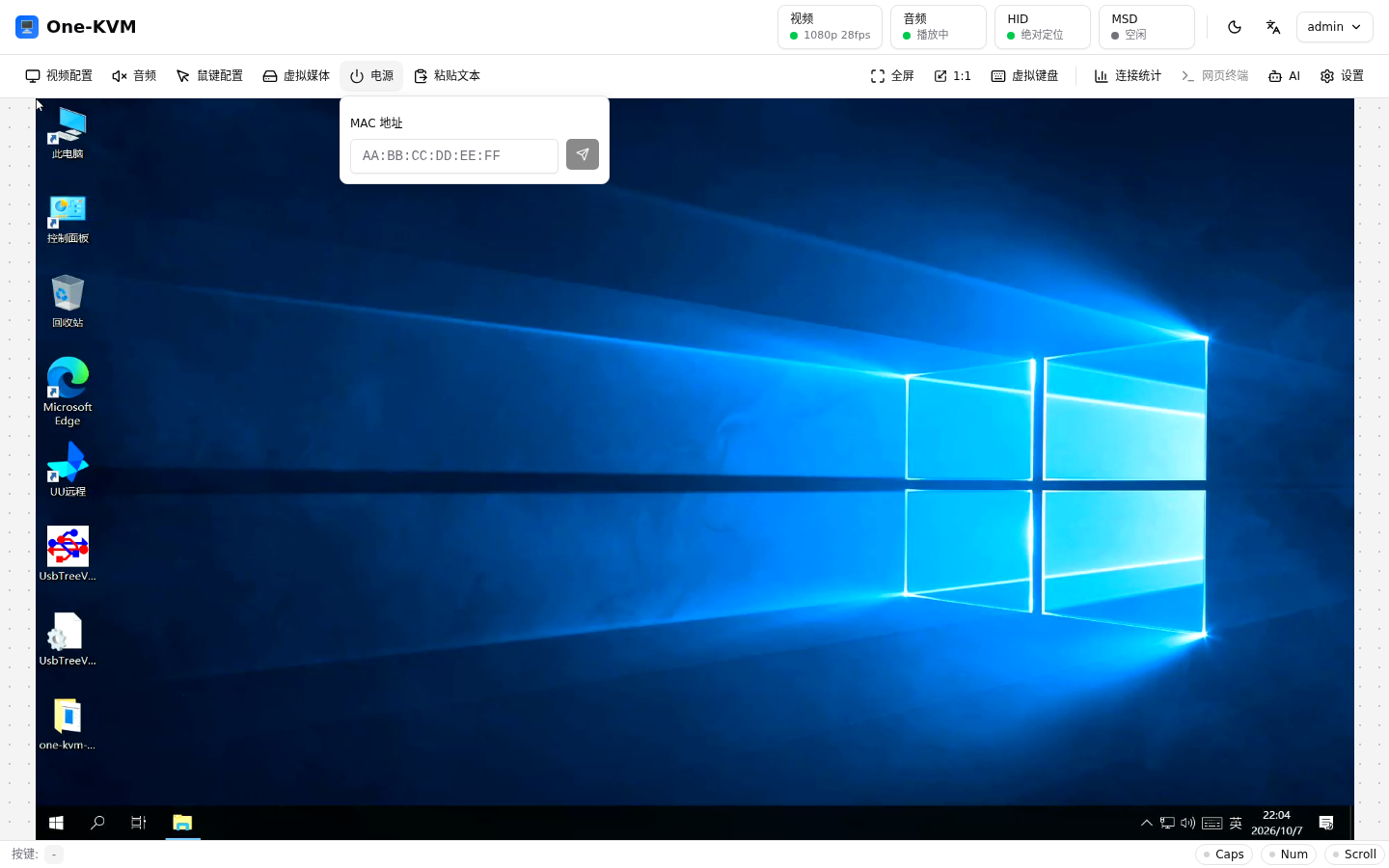
The Power panel can send a short power press, a long press (forced power-off), or a reboot. When Wake-on-LAN is configured, it can also send a WOL magic packet.
Other tools
The toolbar also includes Paste text, Connection statistics (WebRTC), Web terminal (ttyd), AI (Computer Use), and Settings. The toolbar changes between text buttons, icons, and a more menu according to the browser width and console layout.