Initial setup wizard
An uninitialized One-KVM opens the initial setup wizard. It has four steps; the progress bar shows the current step. Completing it signs in automatically and opens the console.
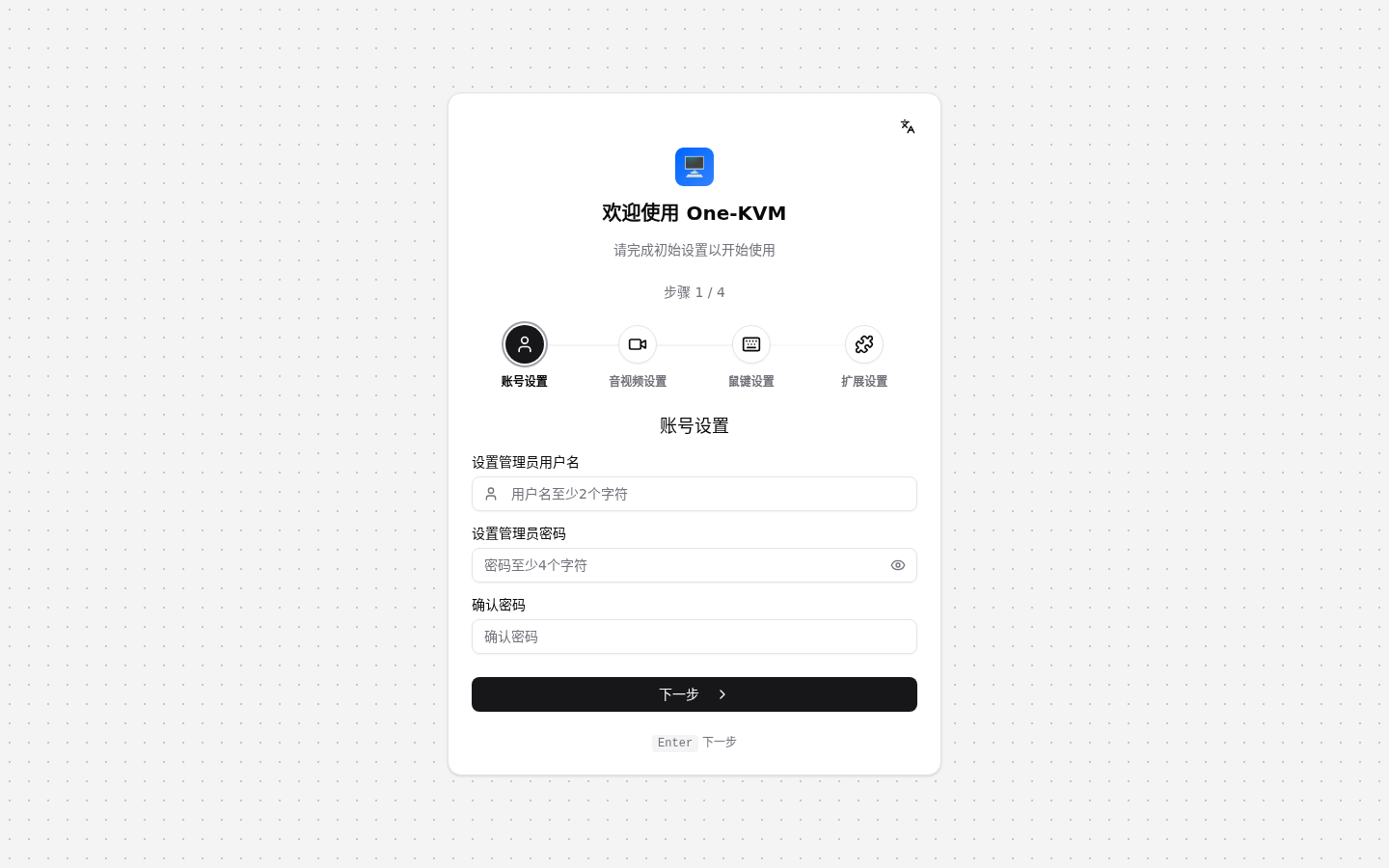
1. Account
Create the administrator account. The username must contain at least two characters; the password must contain at least four characters and be entered twice. Password strength is shown while typing.
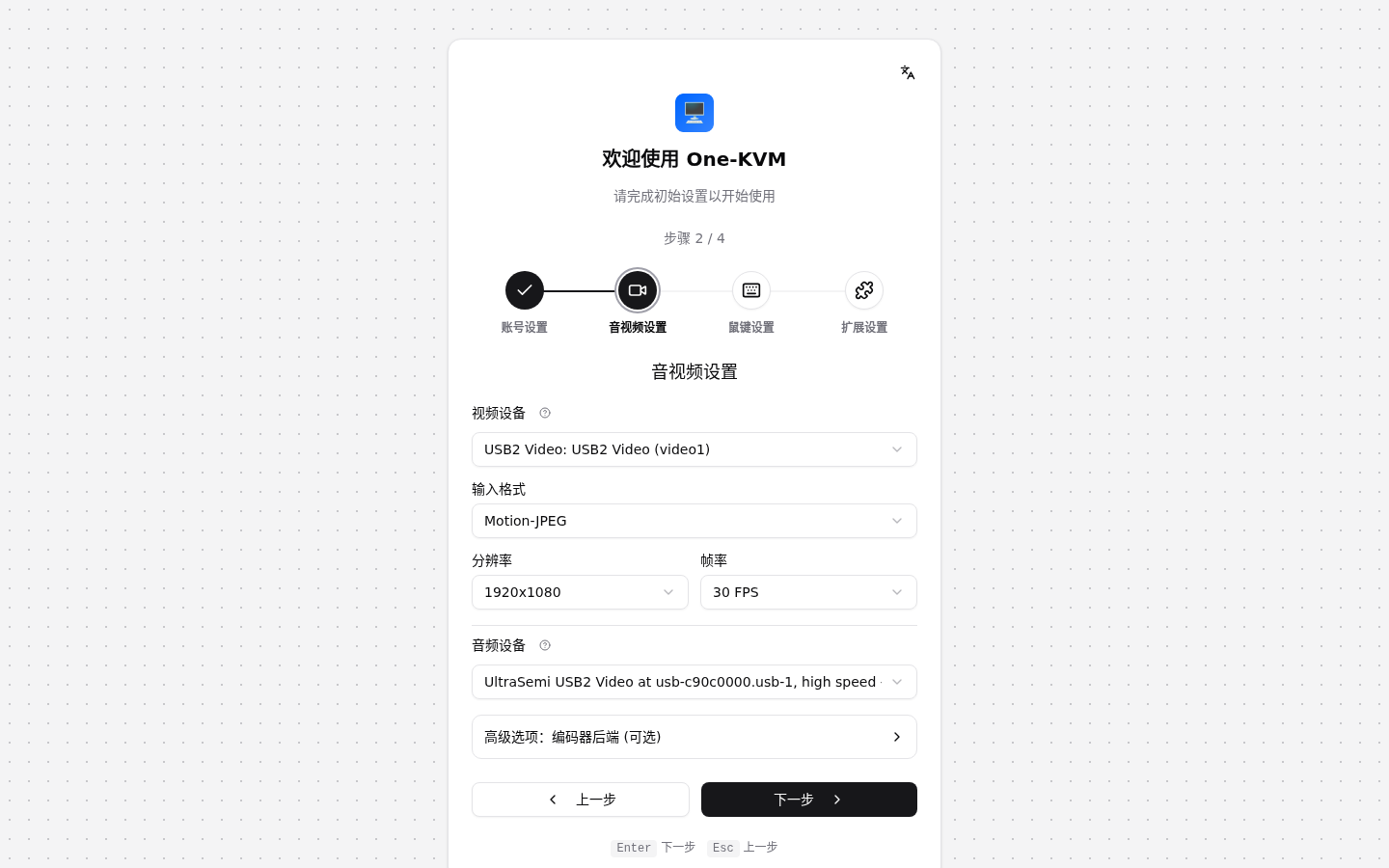
2. Audio and video
Select the capture device, input format, resolution, frame rate, audio device, and encoder backend. The default encoder is Auto (recommended). If the device list is empty, connect the capture device and refresh the list.
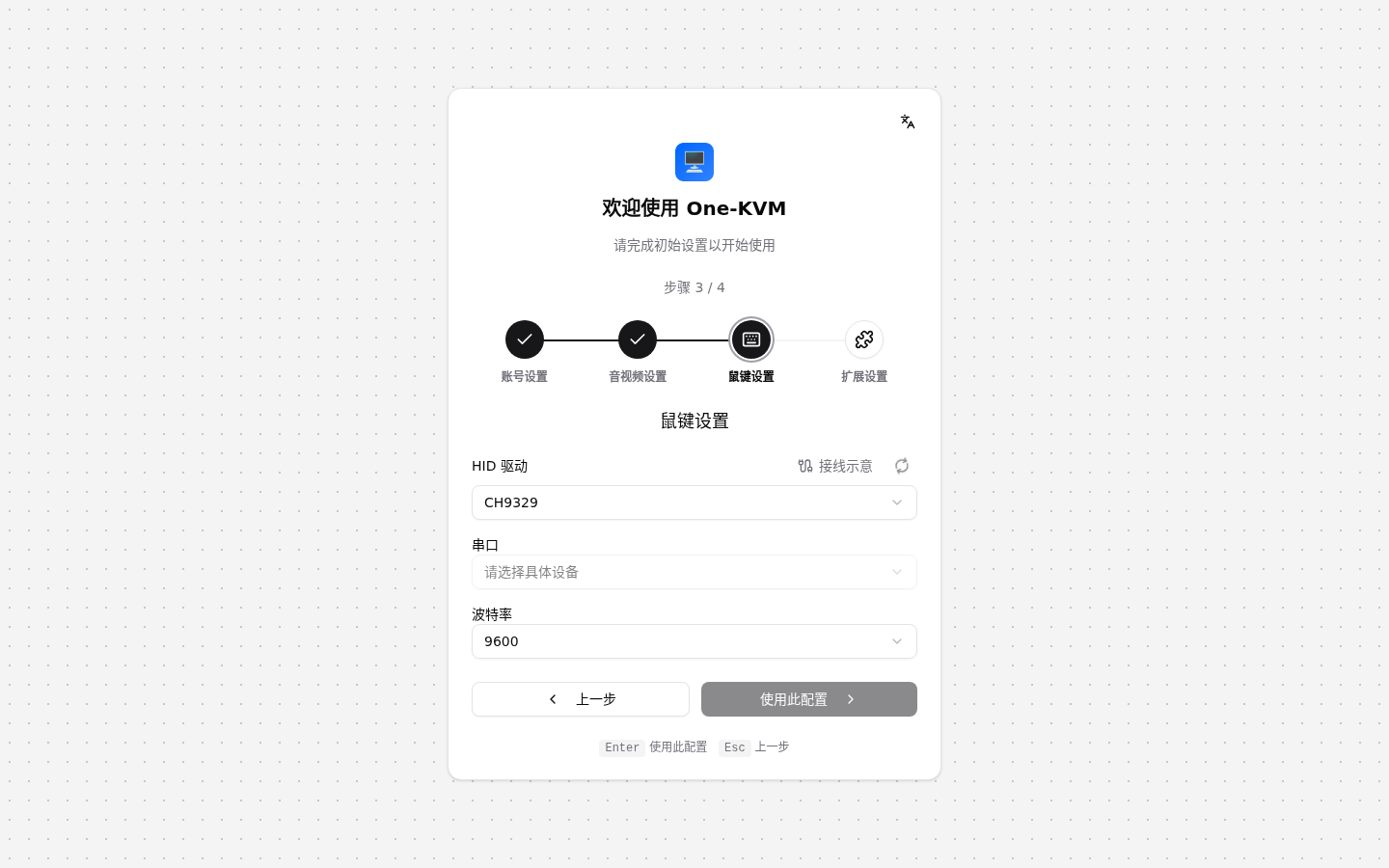
3. Keyboard and mouse
Choose a HID backend and its device: USB OTG (UDC), CH9329 (serial device and baud rate), Bluetooth (adapter and advertising name), or Disabled. Click Use this configuration. The wizard blocks progress when the selected backend is unavailable.
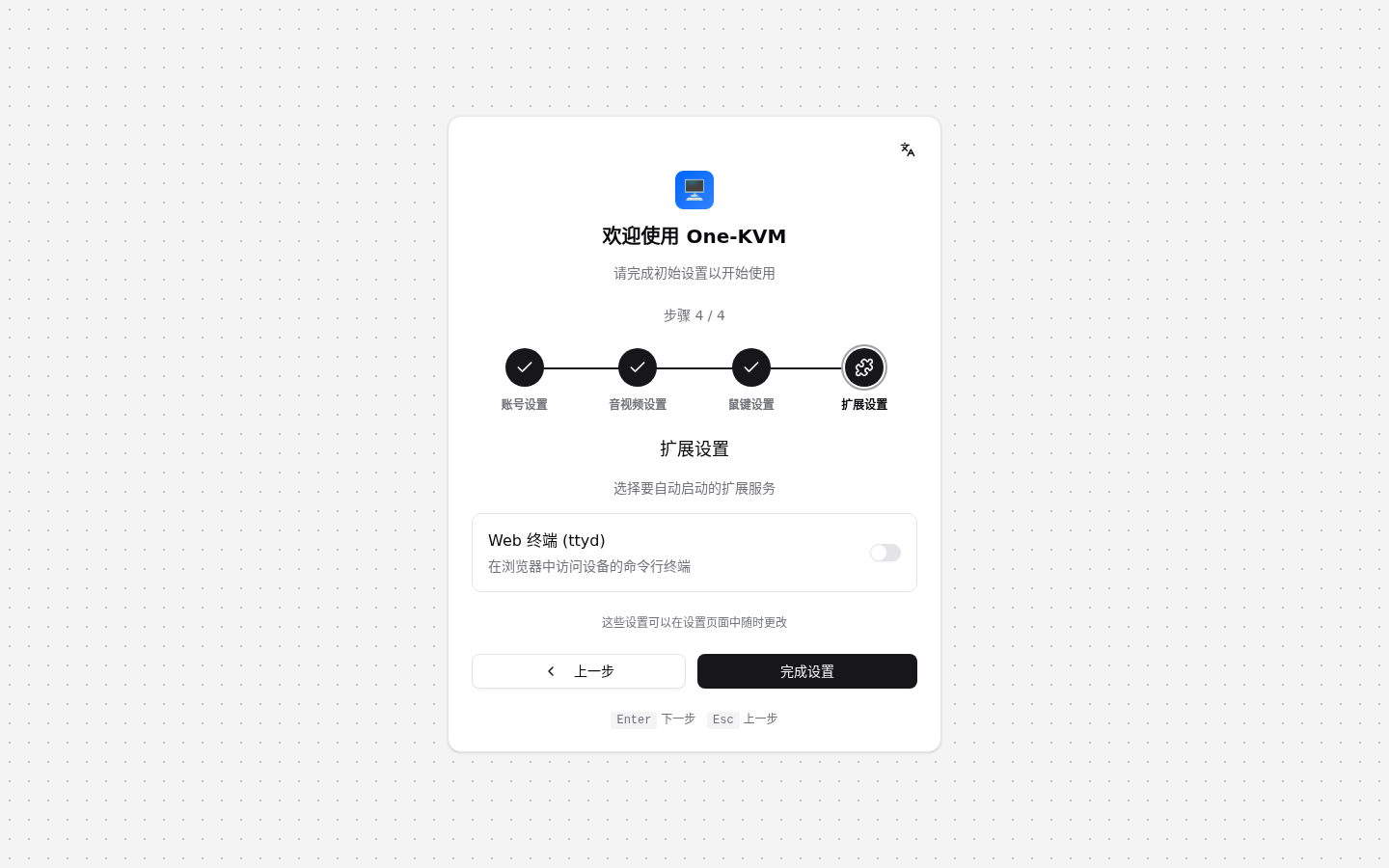
4. Extensions
Choose whether to start the Web terminal (ttyd) automatically. This option is available only when ttyd is installed and can be changed later in Settings.
Finish
Click Finish setup to save the account, audio/video, HID, and extension settings, initialize services, and open the console. You can change these options later in Settings. To run the wizard again, stop One-KVM, remove /etc/one-kvm/one-kvm.db, restart the service, and reopen the web page.