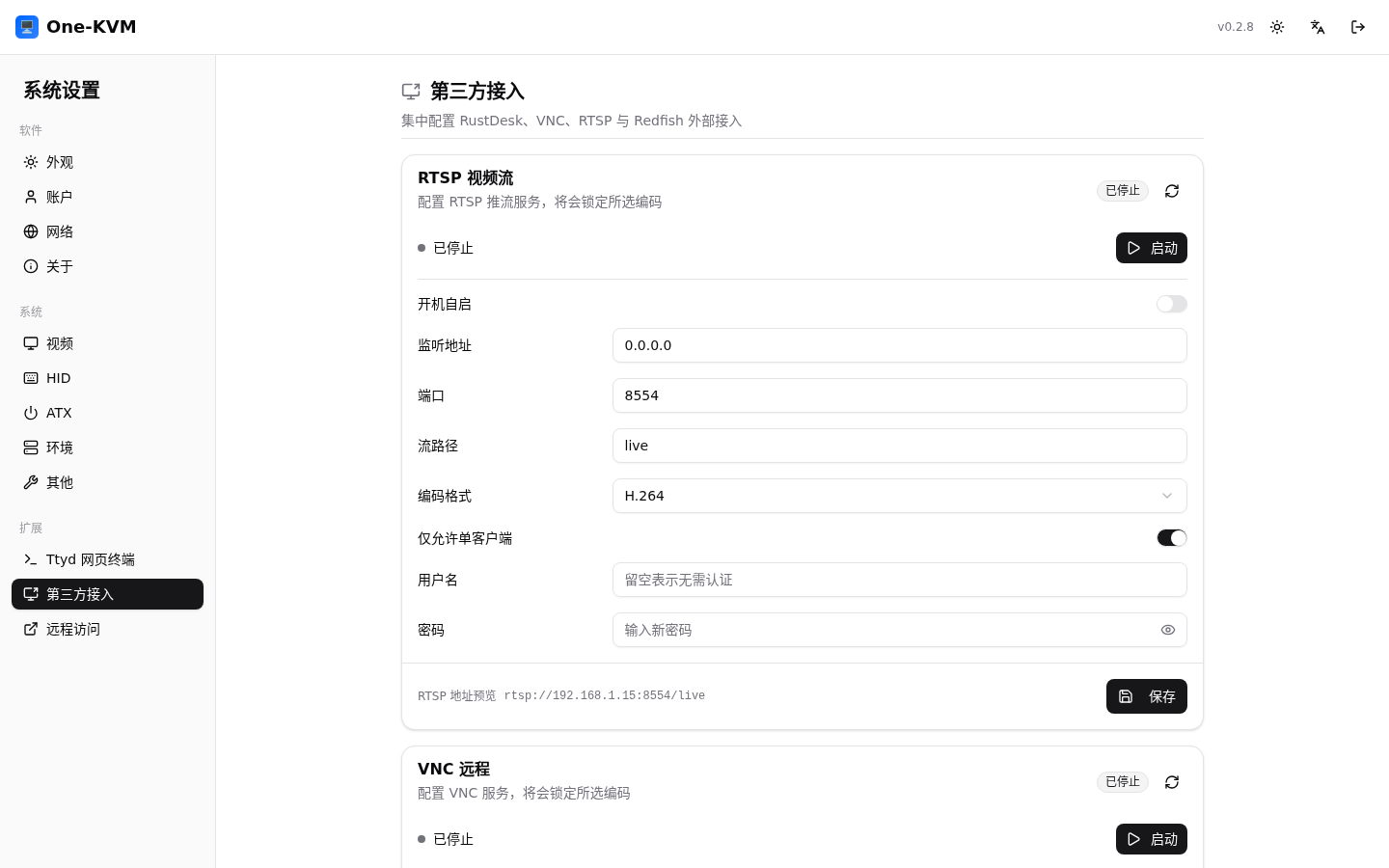
Settings
Click Settings in the upper-right corner of the console. Navigation is grouped into Software, System, and Extensions.
Software
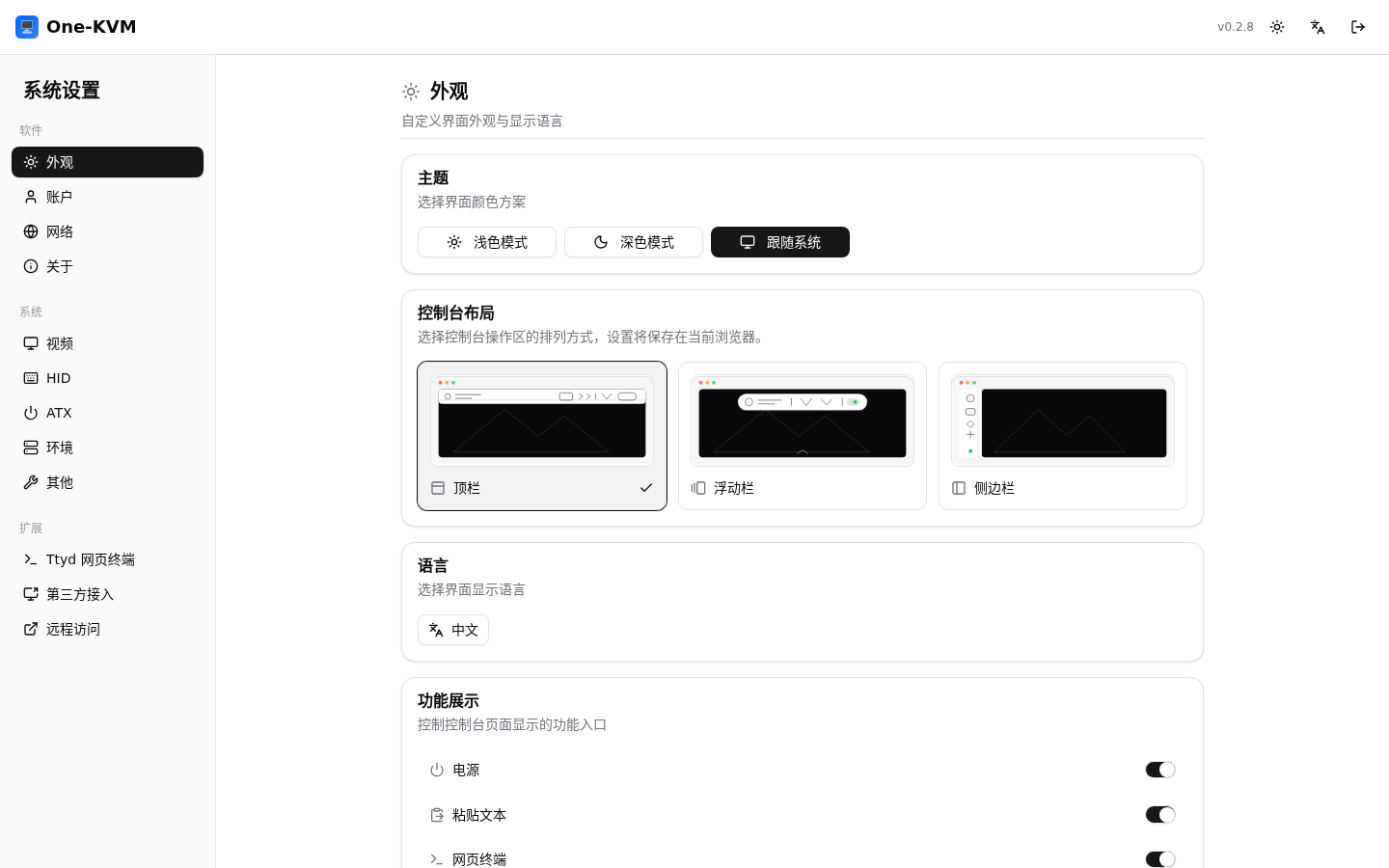
Appearance
Choose the light, dark, or system theme, console layout, and language. You can also control whether Paste text, Web terminal, and Computer Use entry points are shown.
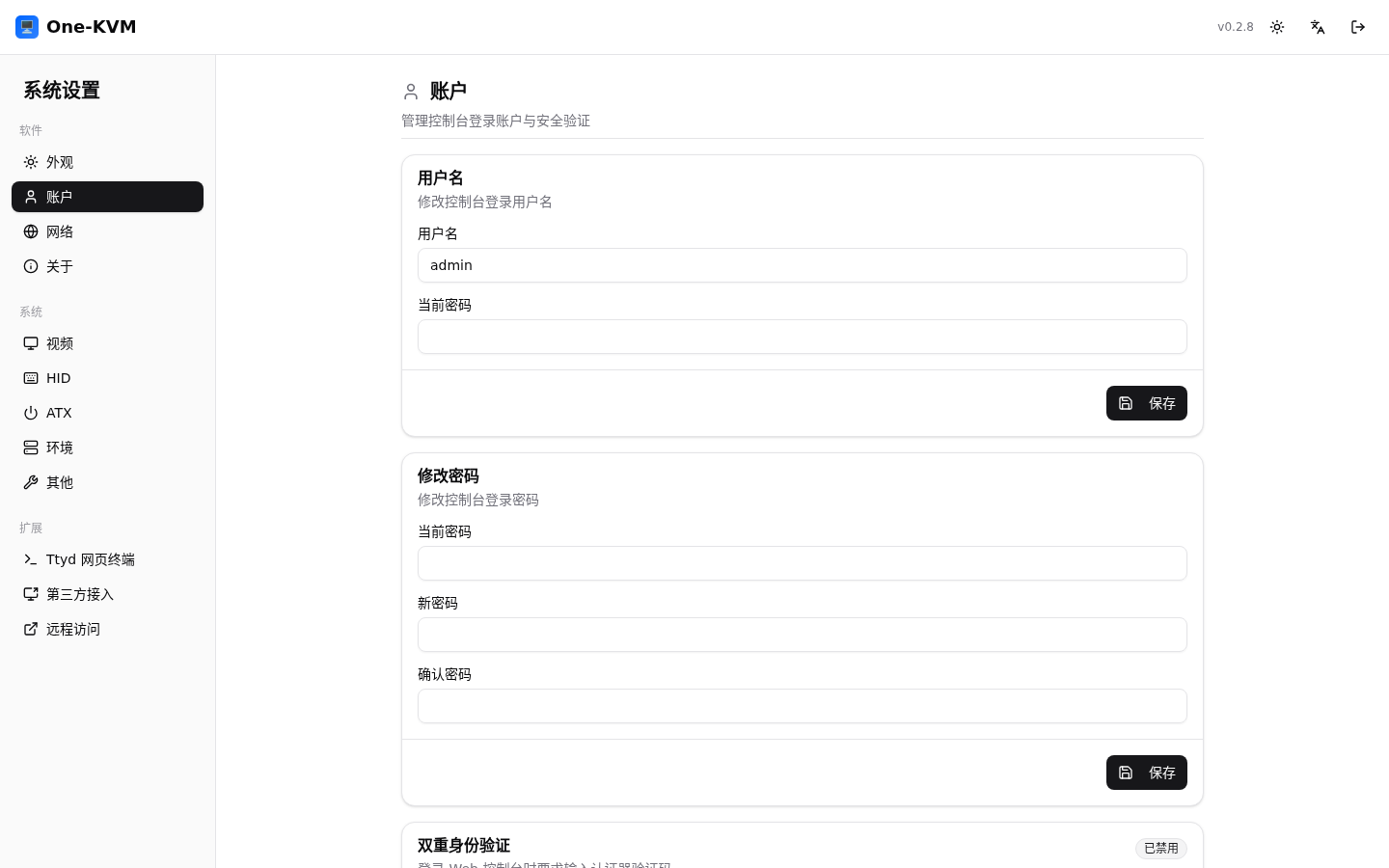
Account
Change the login username and password, allow multiple web sessions, and configure optional two-factor authentication.
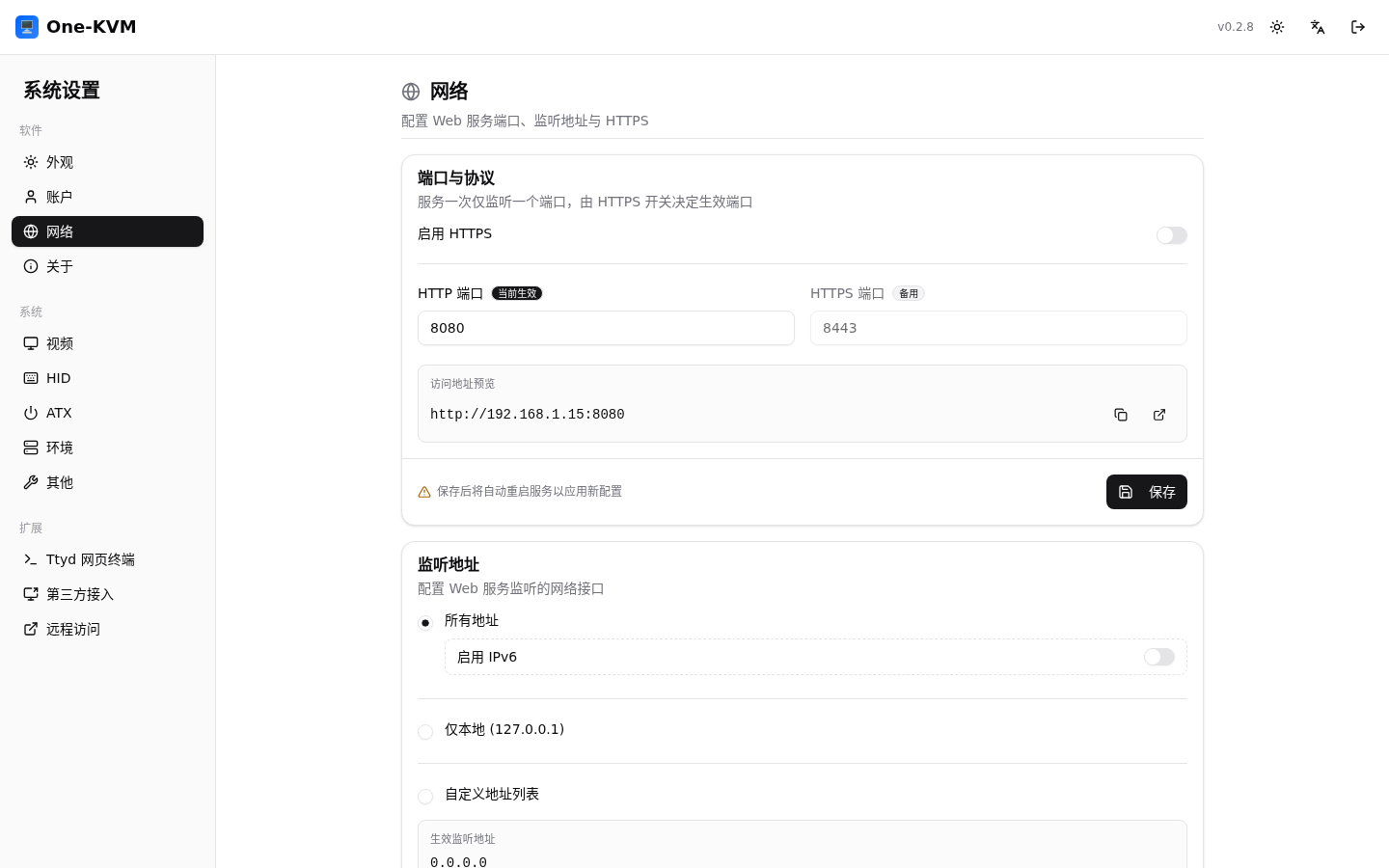
Network
Configure HTTP/HTTPS ports, listen address, IPv6, TLS certificates, and the Redfish API. The service listens on one port; enabling HTTPS restarts the web service after saving.
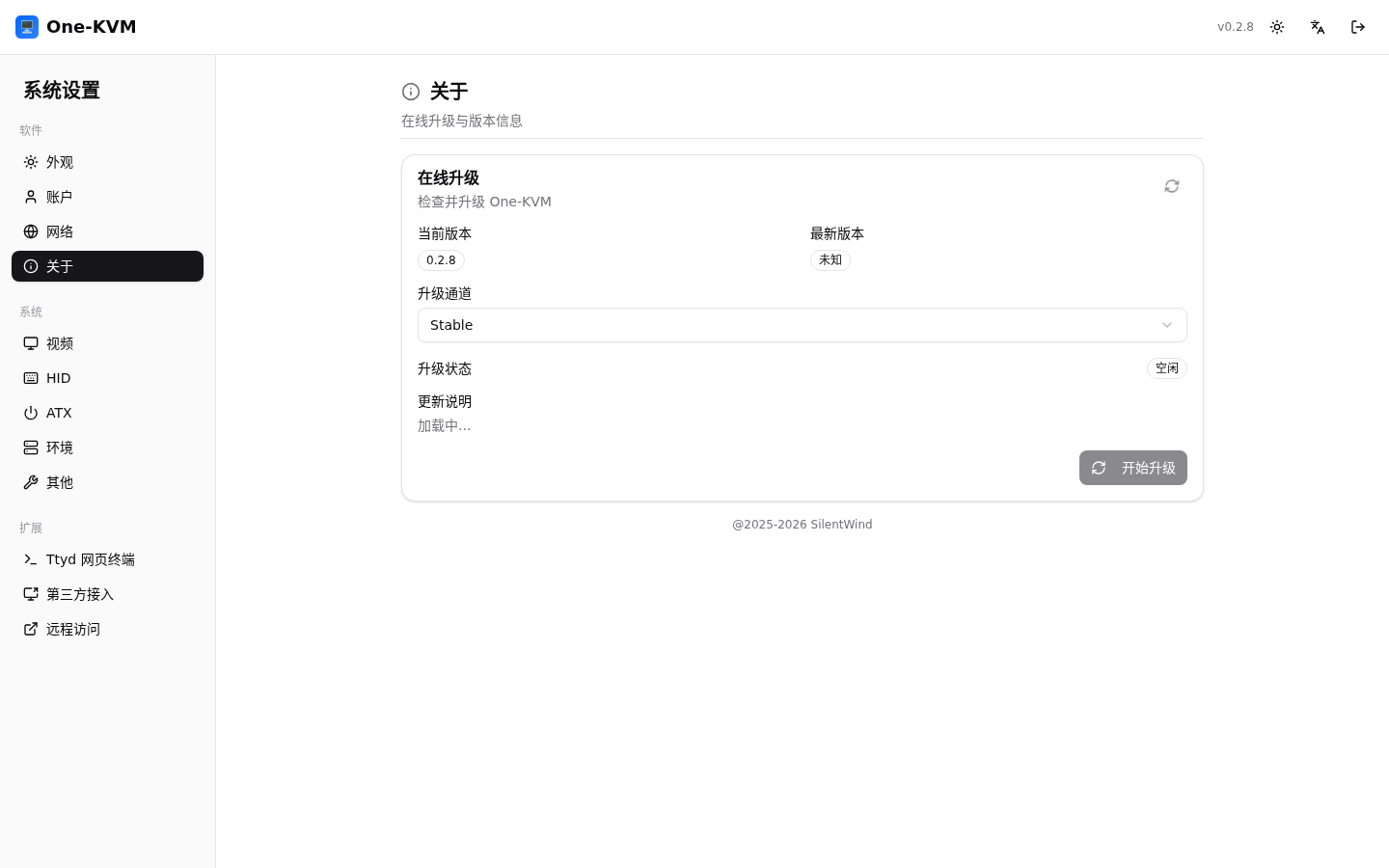
About
View the current version, update channel, and online update information, then check for or install updates.
System
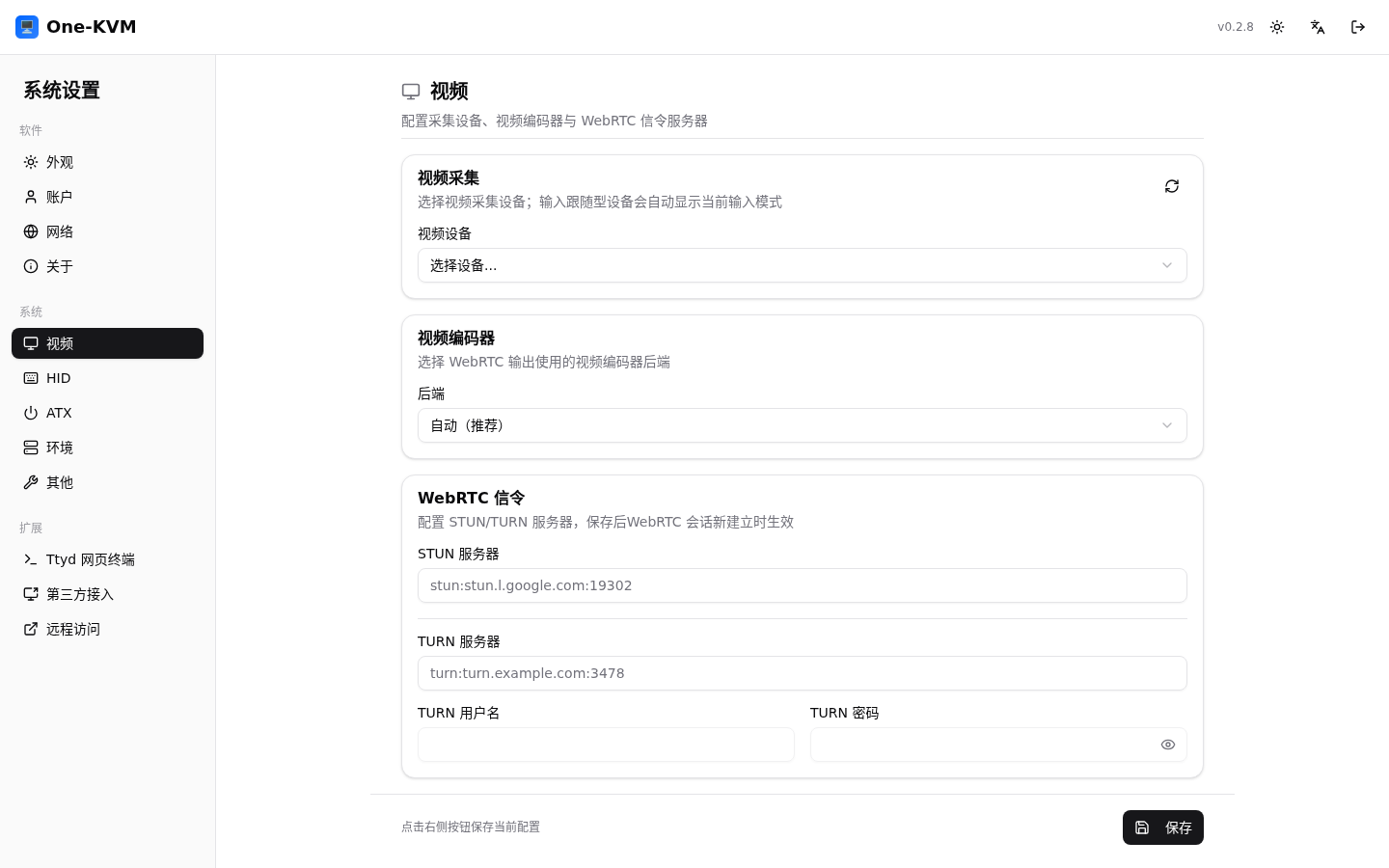
Video
Select the capture device, input format, resolution, and frame rate, and configure the WebRTC encoder and STUN/TURN signaling servers.
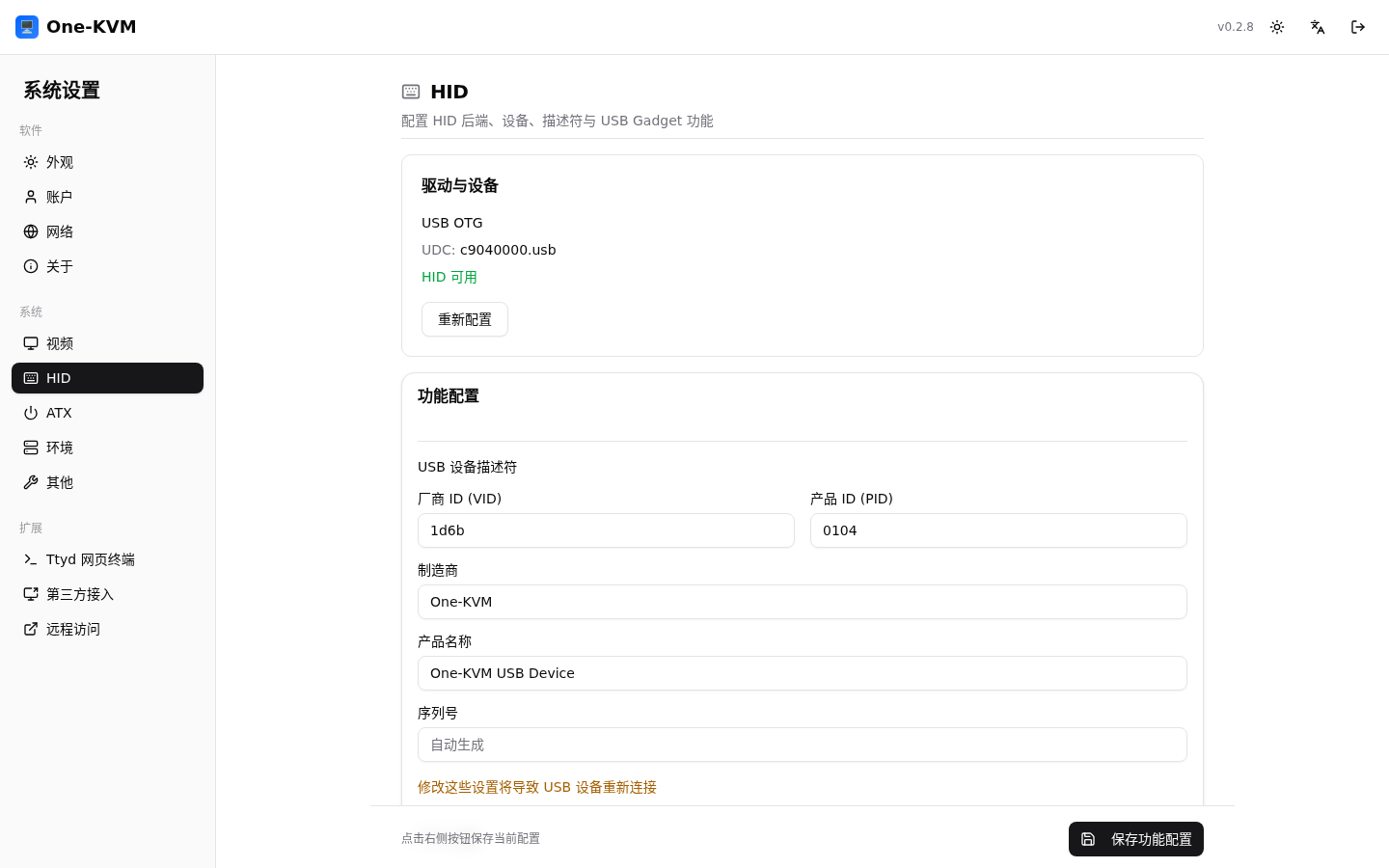
HID
Select the keyboard and mouse backend and the HID functions exposed to the target machine.
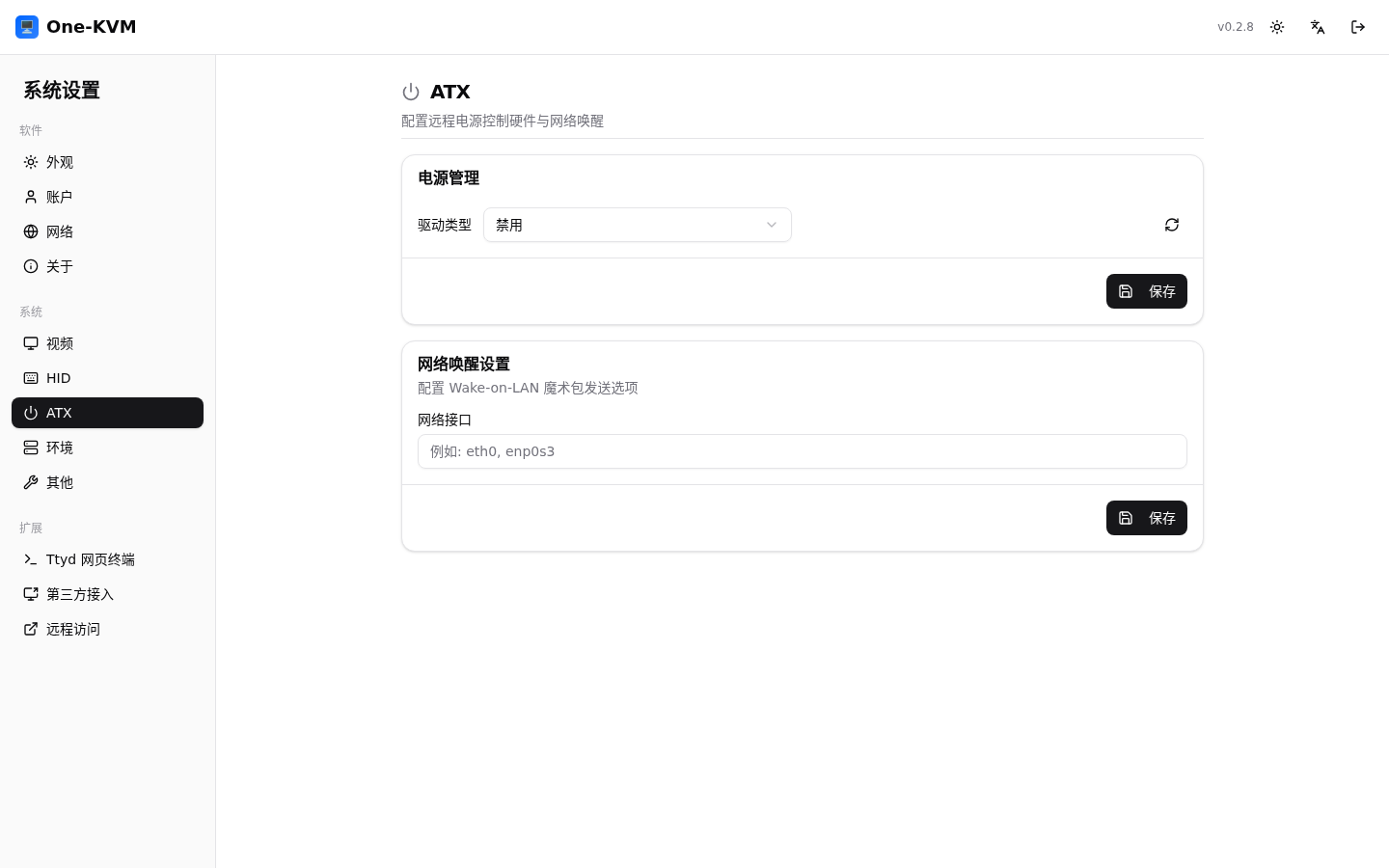
ATX power
Configure power control and Wake-on-LAN. The available controls depend on the hardware and backend.
Extensions
Extension pages configure Web terminal, third-party integrations, and remote-access tools. Each page provides its current status, configuration, and start/stop controls.