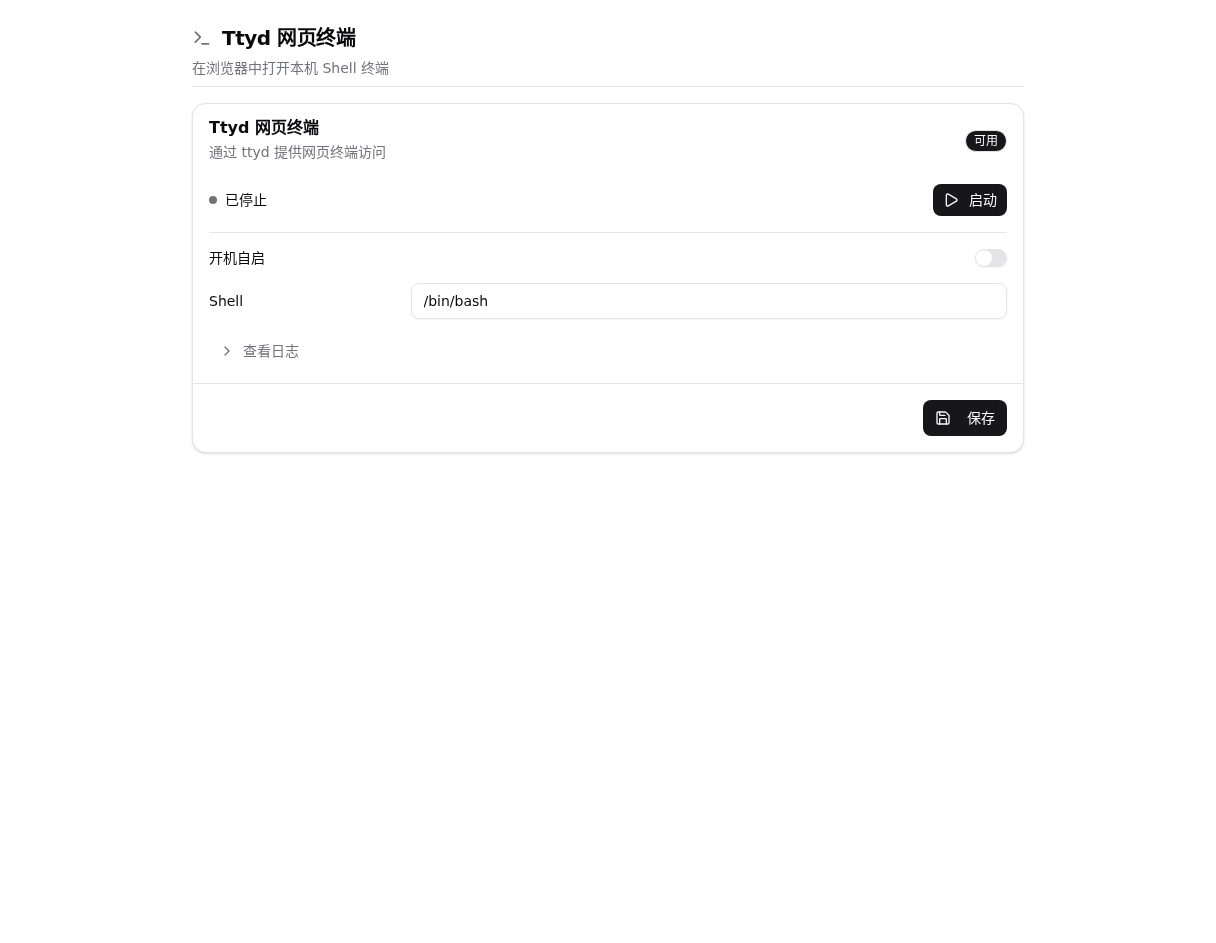
Web terminal
The Web terminal opens a browser terminal backed by ttyd on the One-KVM device. Install ttyd and enable the entry in Settings -> Appearance or the extensions settings.
Configuration and use
Open Settings -> Extensions -> Web terminal, confirm the service is available, and click Start. The running state and URL are shown on the page. Click Open terminal from the console toolbar to launch it.
The terminal has the same permissions as the configured service account. Stop it when it is not needed and protect the One-KVM account with a strong password.