Synology ko
Introduction
Synology NAS is Linux-based but customized for NAS usage, and may lack kernel modules needed for other applications. This guide explains how to compile kernel modules for Synology.
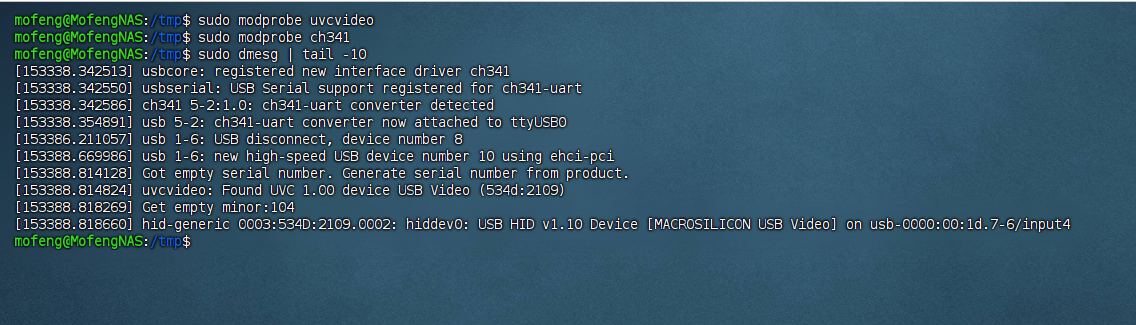
First, identify the modules you need. For running One-KVM in Docker, you need USB capture card and USB serial support (UVC and CH340). Synology lacks these drivers by default, so you must compile them. The screenshot below shows the expected result, with drivers loaded and device paths present.

Notes
Synology open source download site: Synology Archive Download Site - Index of /download
You can download most Synology source code there. To compile kernel modules, you only need the Synology toolchain and kernel source. Download the files that match your NAS model and DSM version.
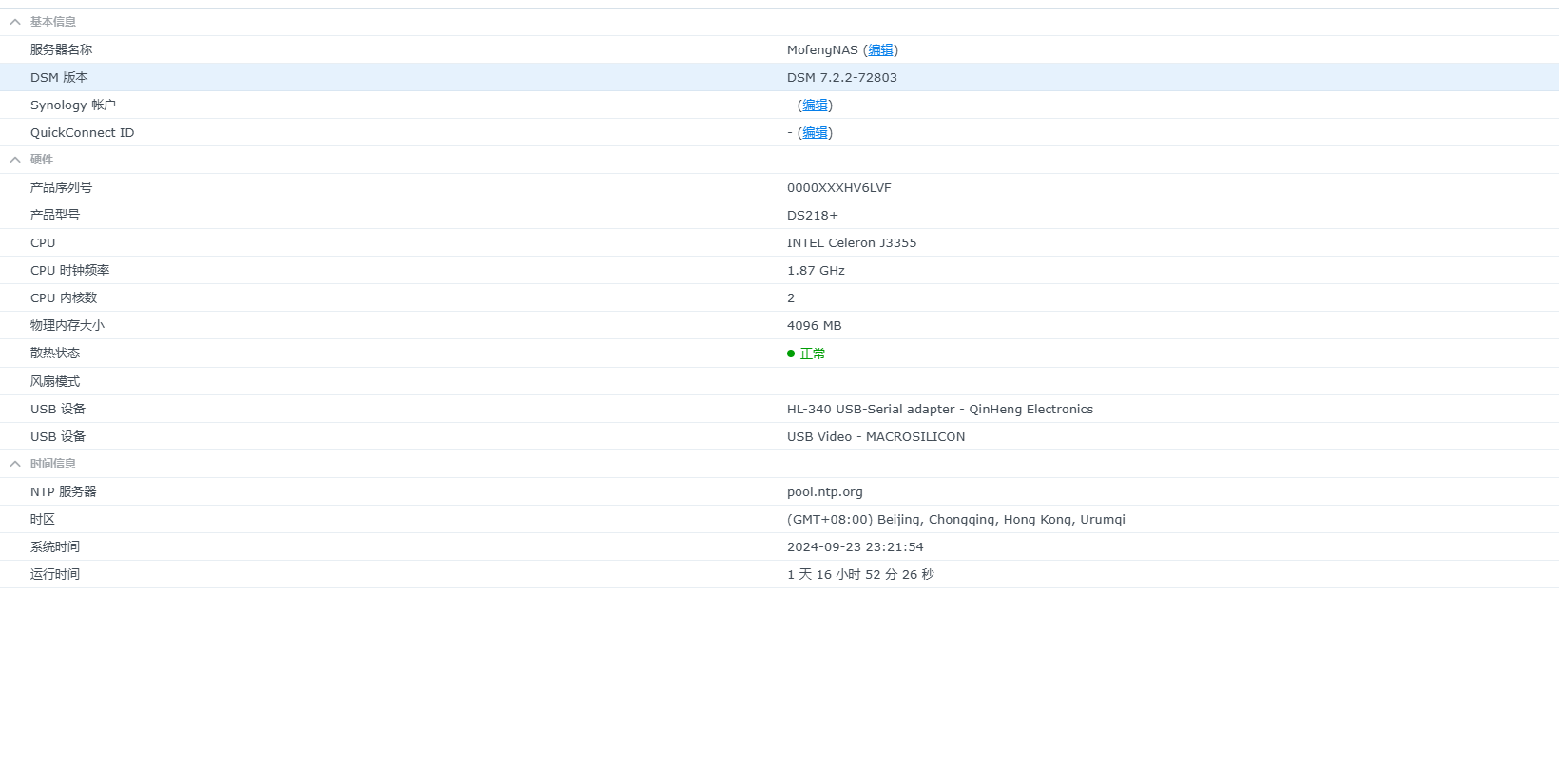
Enable SSH and run uname -a to get kernel info: Linux MofengNAS 4.4.302+ #72803 SMP Mon Aug 19 19:59:09 CST 2024 x86_64 GNU/Linux synology_apollolake_218+. In Control Panel -> Info Center you can see DSM version (e.g., DSM 7.2.2-72803). This info is required later.
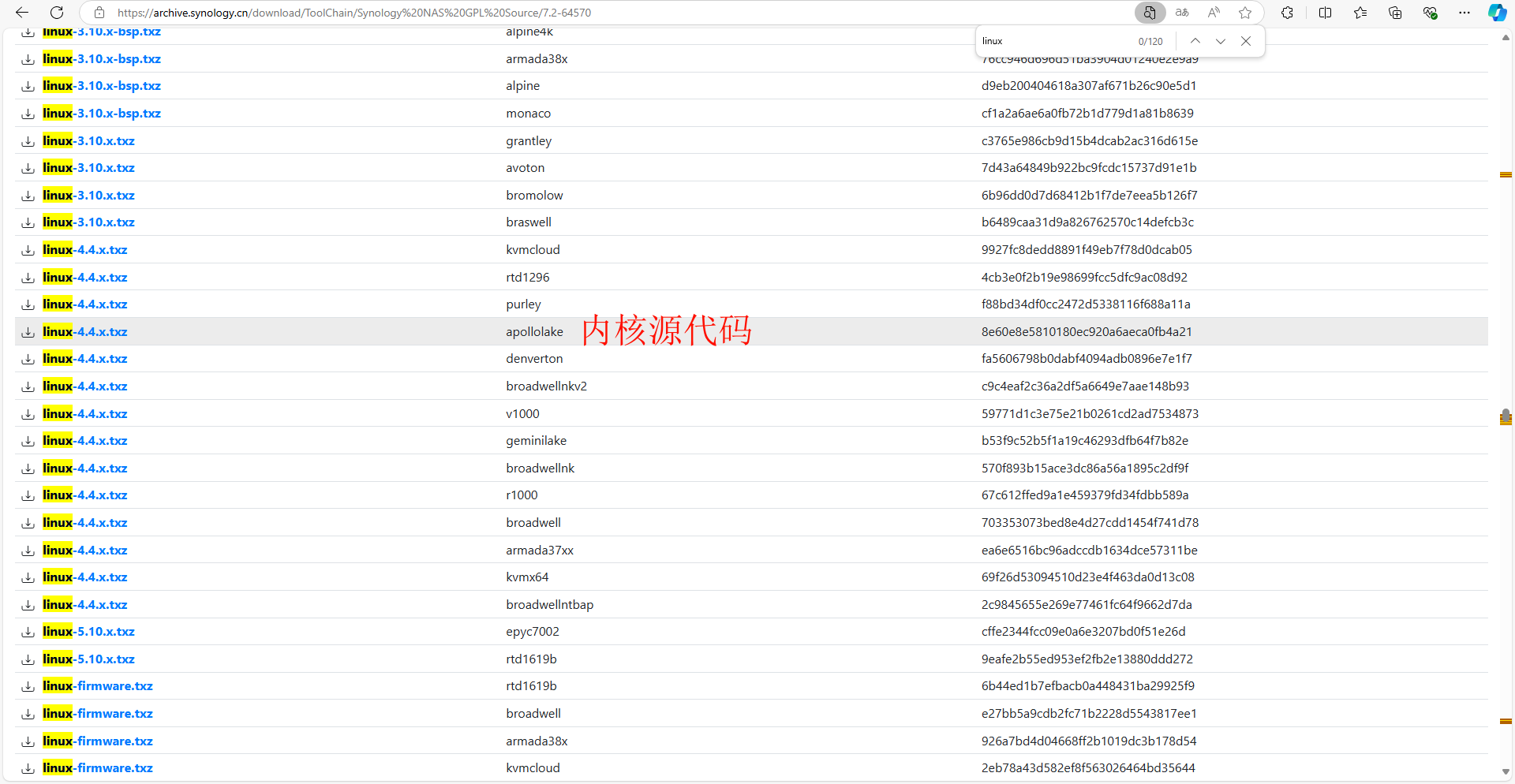
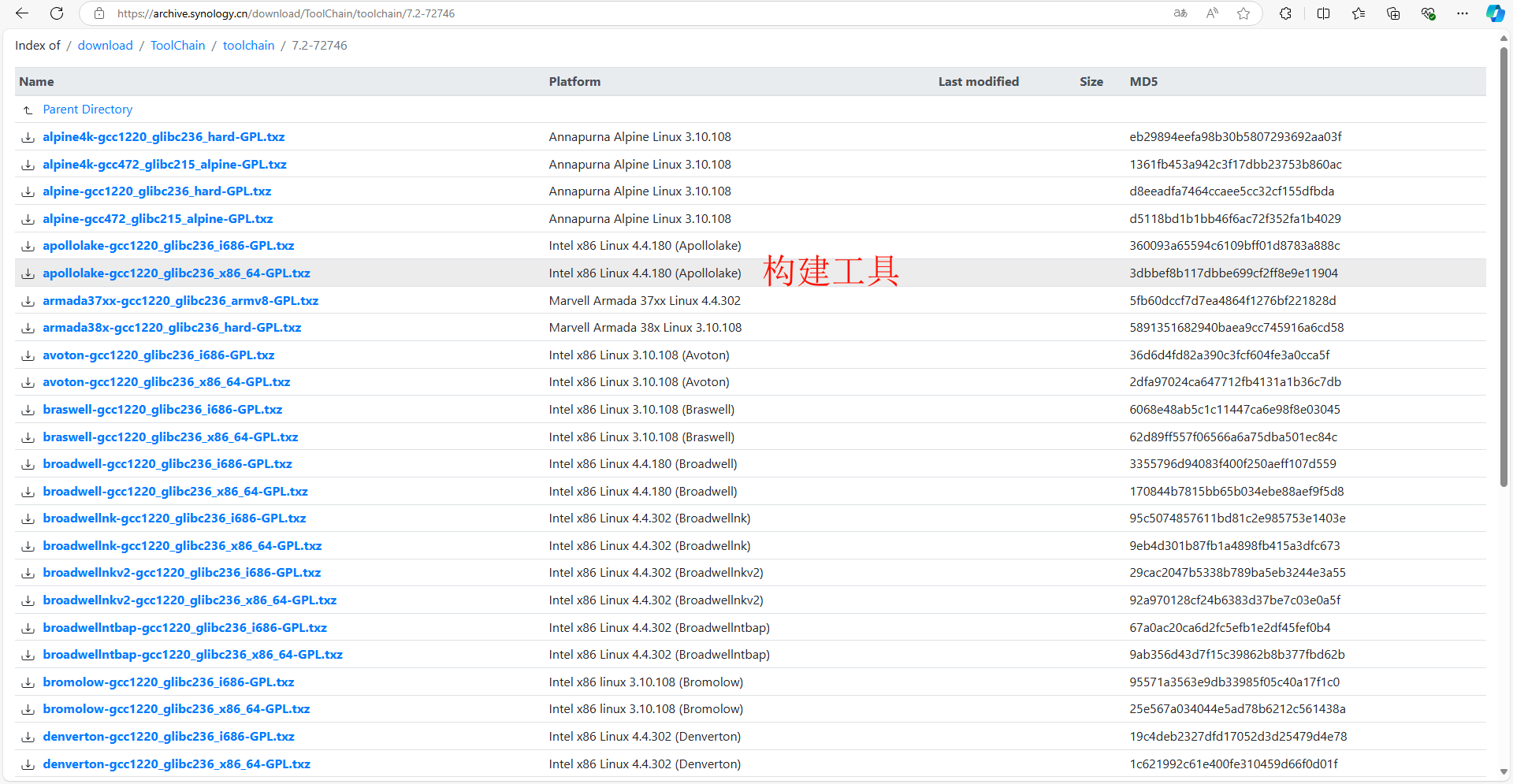
Download the Linux kernel source and toolchain based on your model and DSM version. Kernel sources are under ToolChain/Synology NAS GPL Source/DSM version, toolchains under ToolChain/toolchain/DSM version. The screenshots and commands below match the author's NAS; adjust them for your model.
Build
Enable module options
We recommend compiling modules on Ubuntu. Building directly on Synology is difficult due to missing dependencies. This guide uses WSL2.
Enter the kernel source directory linux-4.4.x, copy the model-specific config from synoconfigs (required), then enable options as needed. In the menu, press / to search options and view dependencies.

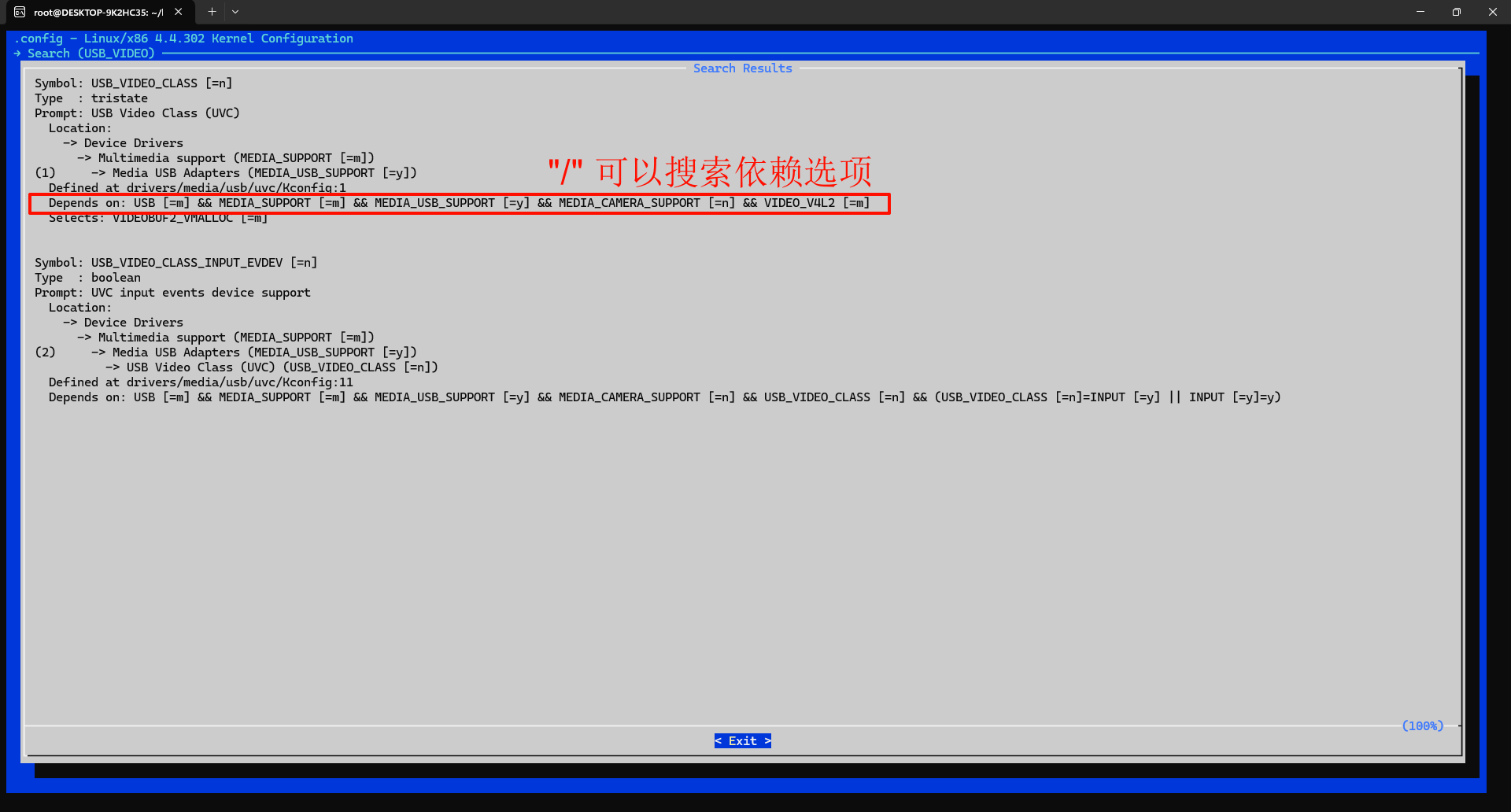
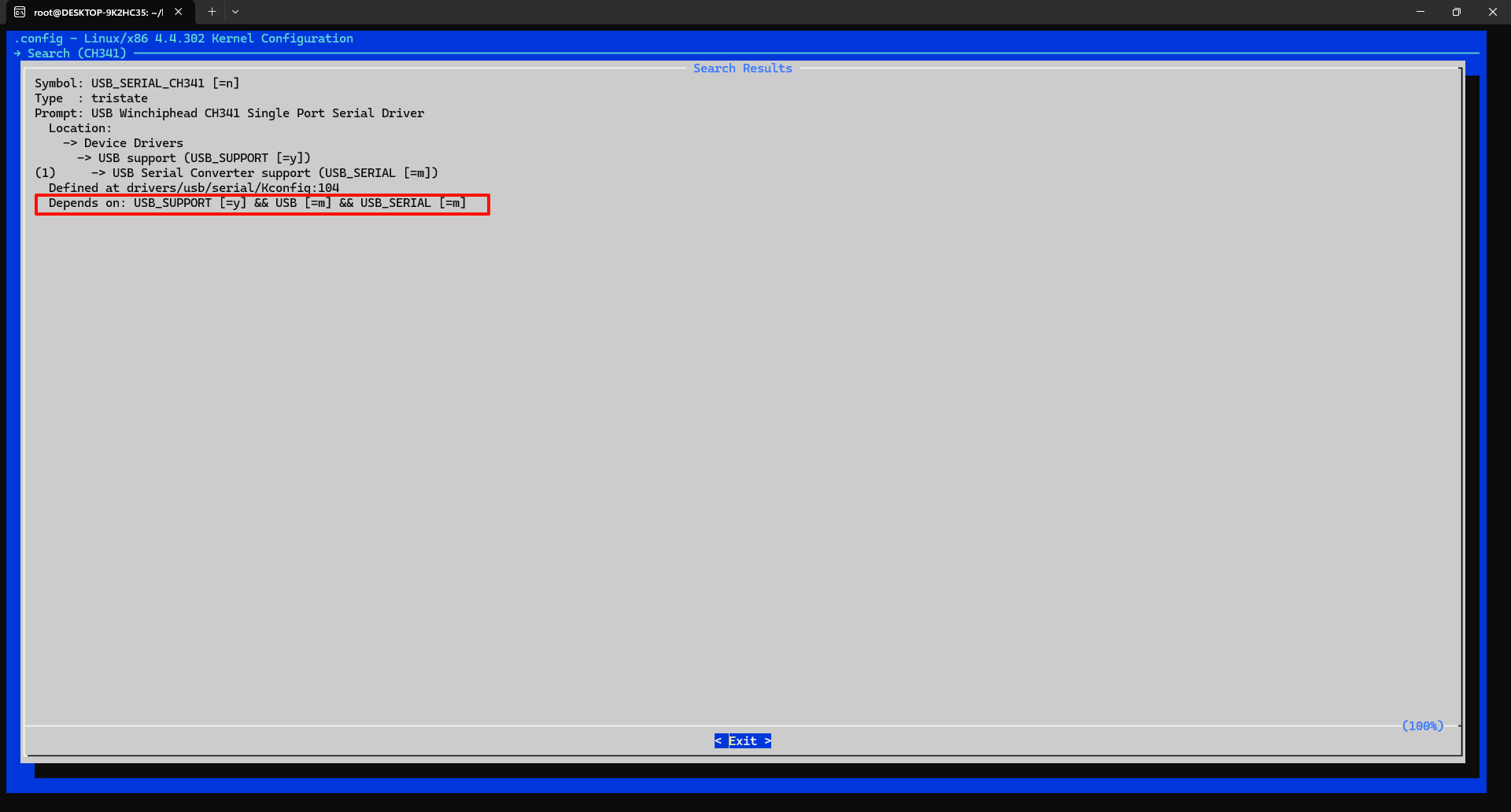
Enable the required dependencies shown in the images, then save and exit.
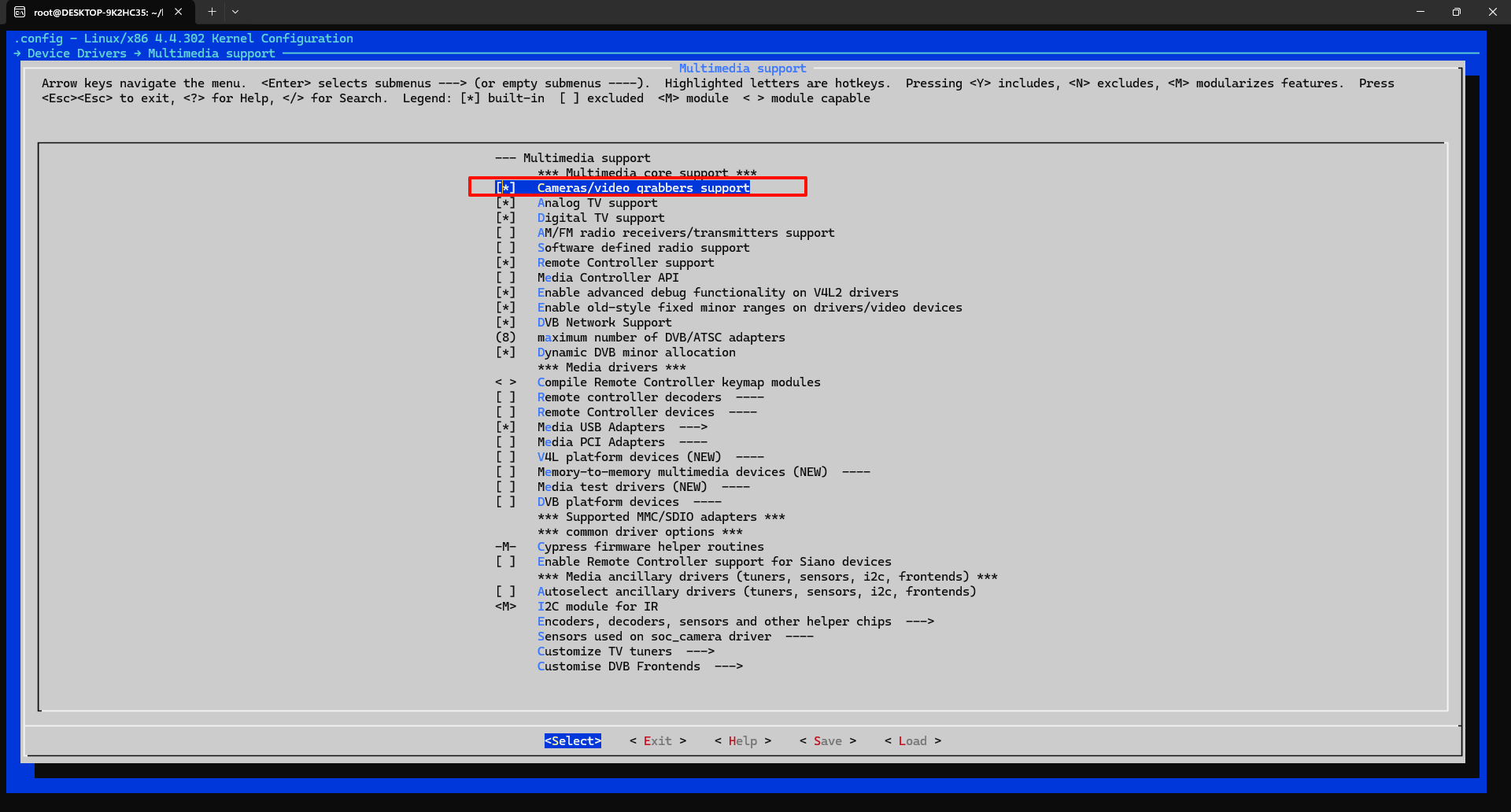
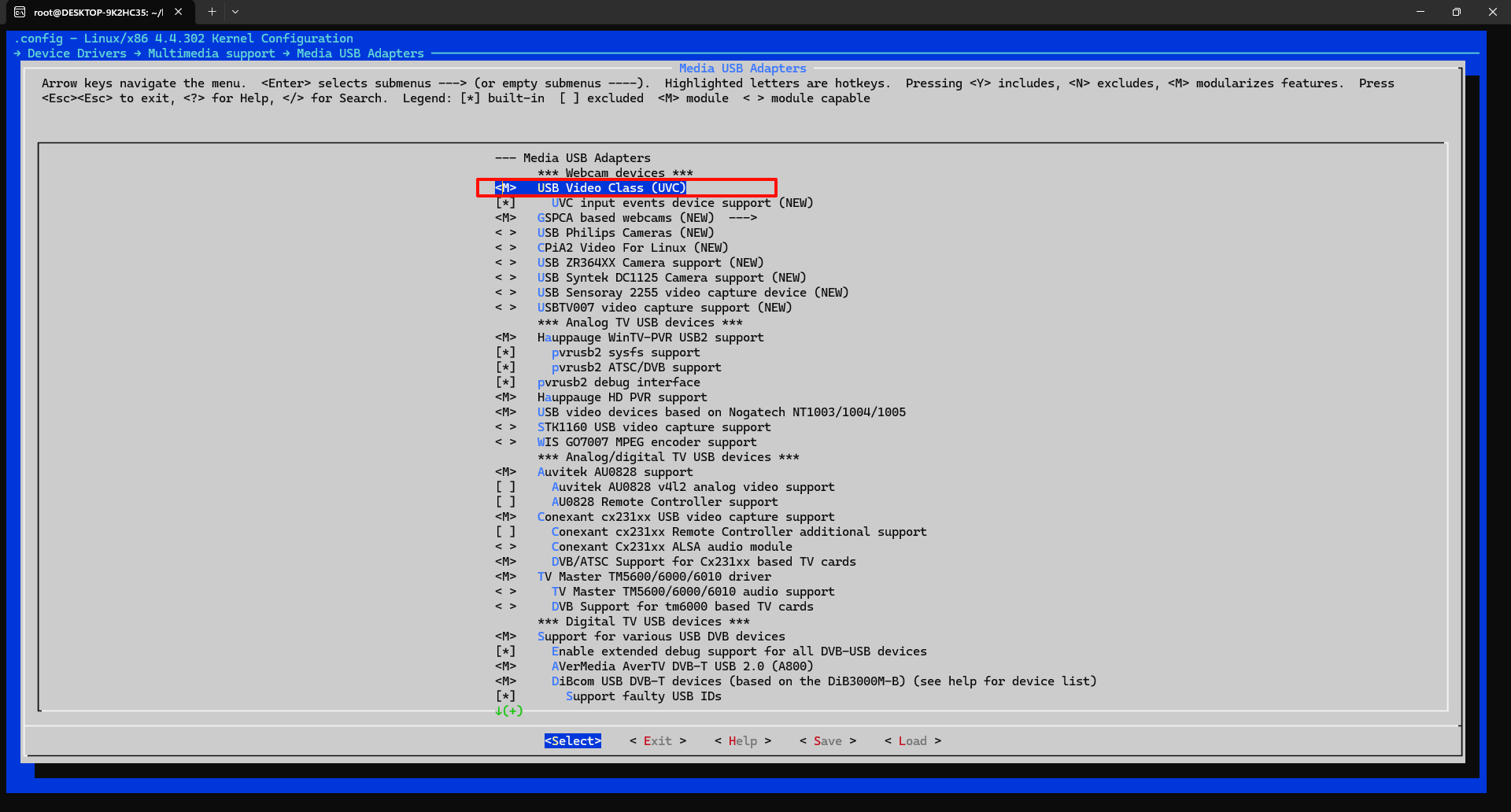
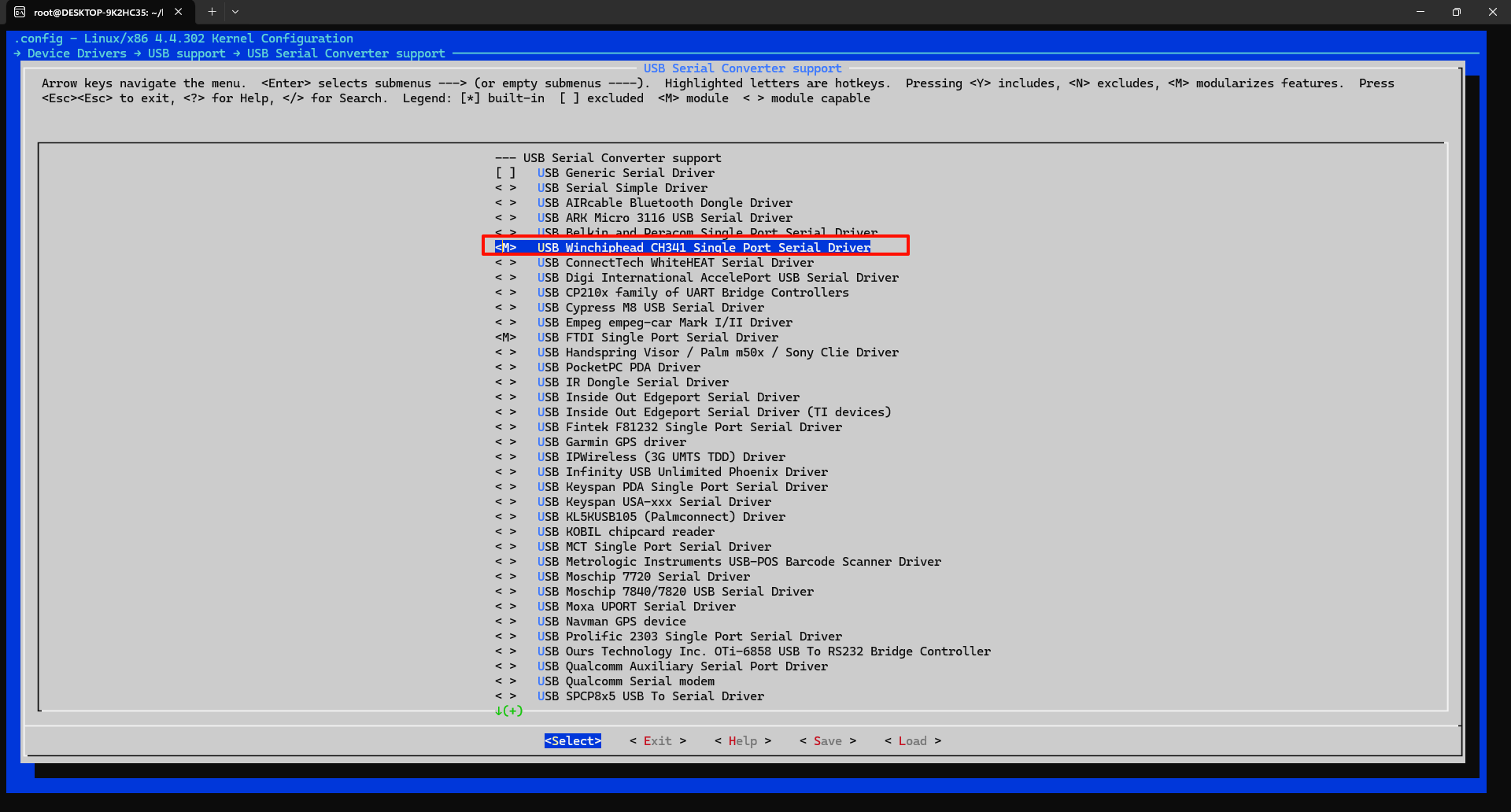
Compile
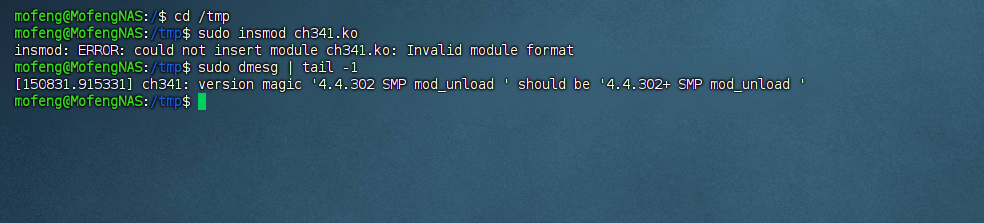
Note: You cannot compile modules yet. There is a pitfall: the driver vermagic must match the kernel. The default compiled driver is missing a + sign and will fail to load, as shown below. After compiling, you can validate with sudo insmod <file>.ko and sudo dmesg.
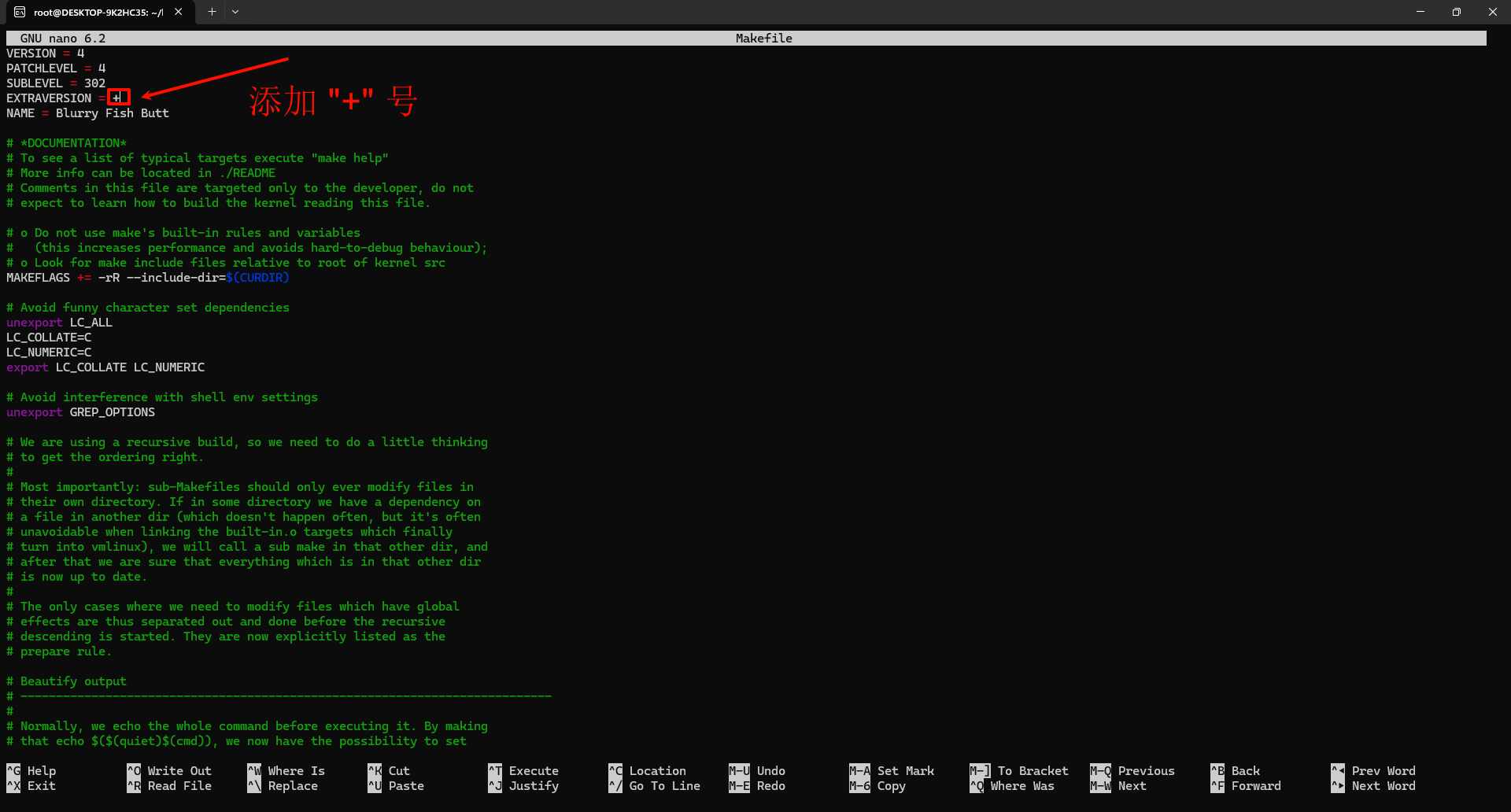
Edit the Makefile header to match your Synology kernel version so the driver vermagic is correct.
Now compile. Use the Synology gcc toolchain, not the system gcc. Install any missing dependencies if needed.
After compiling, you can find the following files. Verify them, then copy them to /lib/modules on the Synology NAS and run sudo depmod -a to refresh. Manually load the drivers or reboot. You should then see the USB devices recognized.
References
Build Synology NAS dev environment and compile drivers - VirCloud