OEC TURBO Box
Hardware Overview
OEC TURBO uses an RK3568 CPU with 4 GB RAM and 8 GB internal storage. It has a gigabit Ethernet port, a Type-C port, a USB 3.0 port, and a built-in SATA bay.
Its VPU driver is open, so One-KVM supports H.264 hardware encode/decode on this hardware for a better H.264 experience.
One-KVM
Integrated Image Deployment
Prepare files
Download the OEC TURBO flashing tool and the One-KVM image, extract them, and enter the flashing directory. We recommend renaming the image to a shorter name (e.g., OEC.img) and placing it in the flashing tool directory to avoid missing progress due to long filenames.
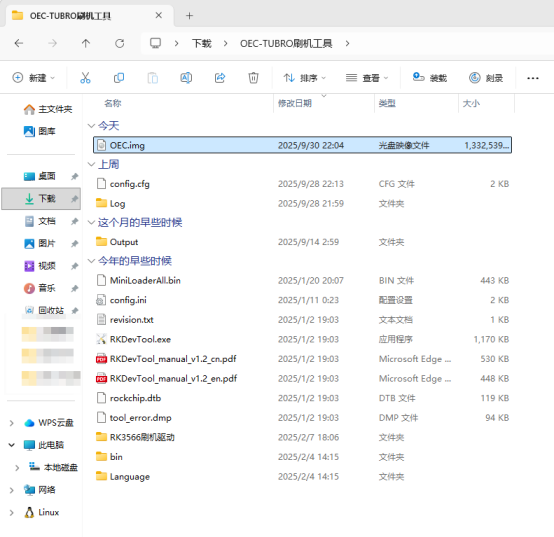
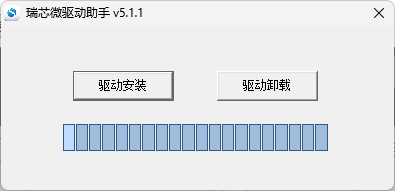
If Rockchip drivers are not installed, run OEC-TUBRO刷机工具\RK3566刷机驱动\DriverInstall.exe. If drivers are already installed, skip this step.
Open RKDevTool.exe, click the three-dot button next to the path, and update the boot file (MiniLoaderAll.bin in the tool folder) and One-KVM image path to the actual locations.
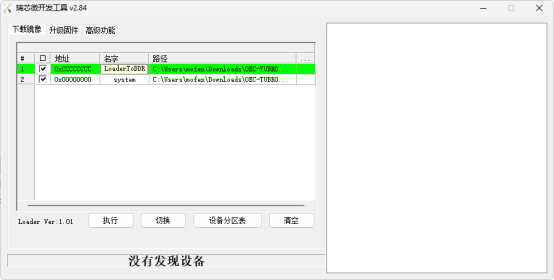
Start flashing
Disassemble the device and short the resistor on the board to enter MASKROM.
Disassembling OEC:
- Slide the bottom cover upward to open it.
- There is a SATA bay and a Type-C port; remove four screws.
- Slide the outer shell upward and remove the side shell. Remove the SATA connector and three screws. Flip the SATA connector, remove the black tape covering the ribbon cable. The SATA ribbon is thin and fragile; lift the black latch on the left to unlock, then remove the ribbon carefully.
- Remove eight screws on the inner shell. Use a card to pry the left gap and remove the inner shell.
- The resistor to short is on the front side of the board.
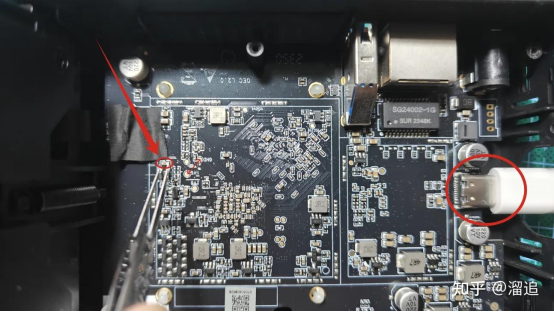
To flash, short the resistor (same effect as the solder pads in other guides), then plug in the Type-C data cable (no DC 12V power needed during flashing). Release the short after about 2 seconds. The tool should detect a MASKROM device. Click Execute and wait for flashing to complete.
If the new flashing tool shows "system exceeds flash size" errors, check the "force write by address" option above Execute and flash again.
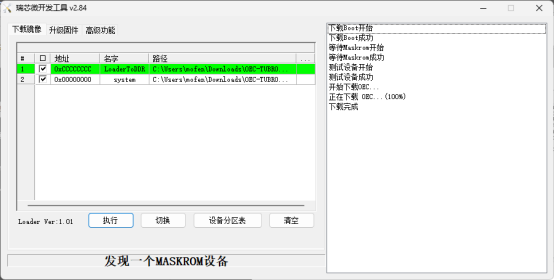
After flashing completes, unplug the Type-C cable, plug in the DC 12V power cable, and start using the device.
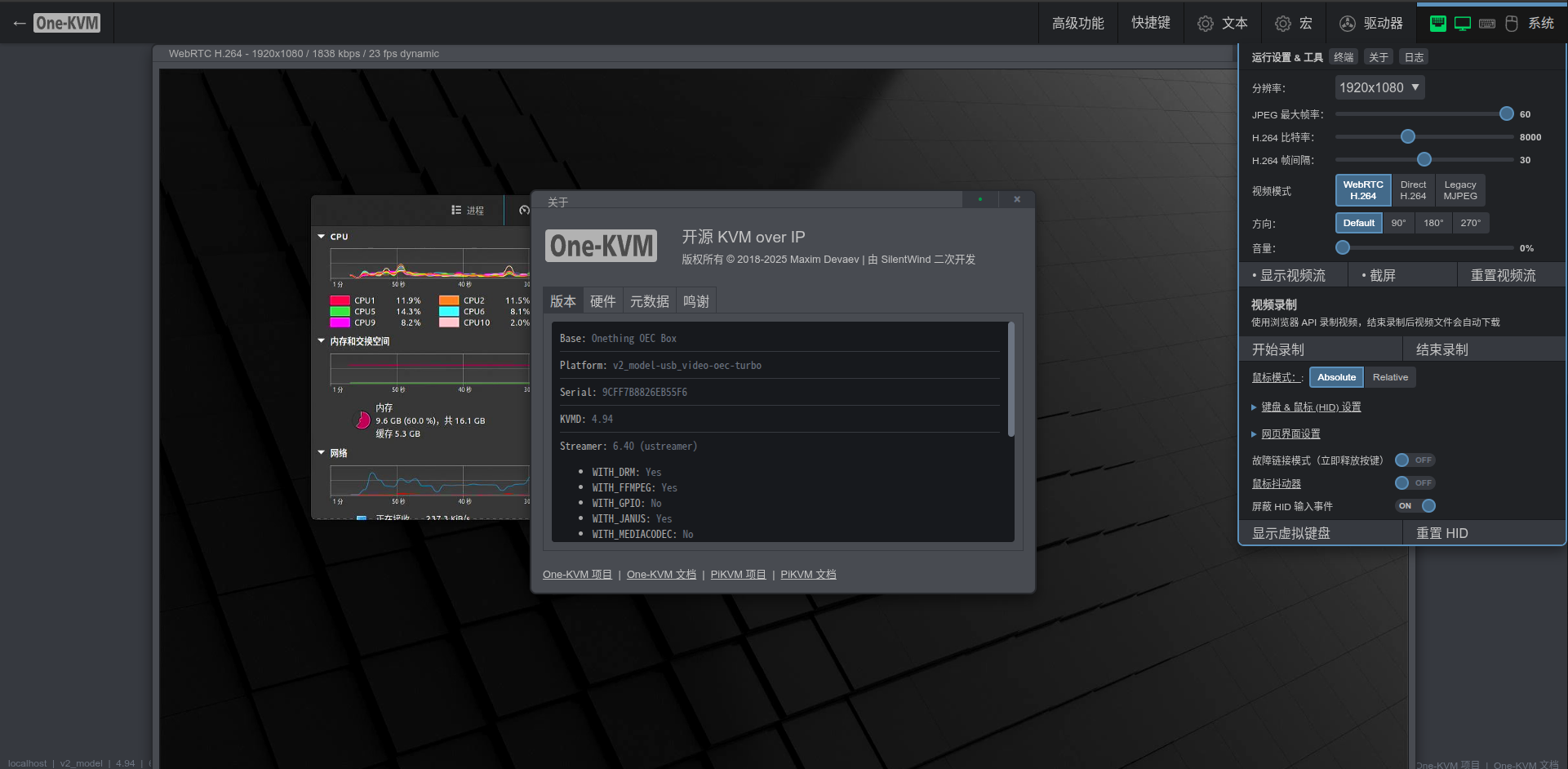
Screenshots
BliKVM
Docker Deployment
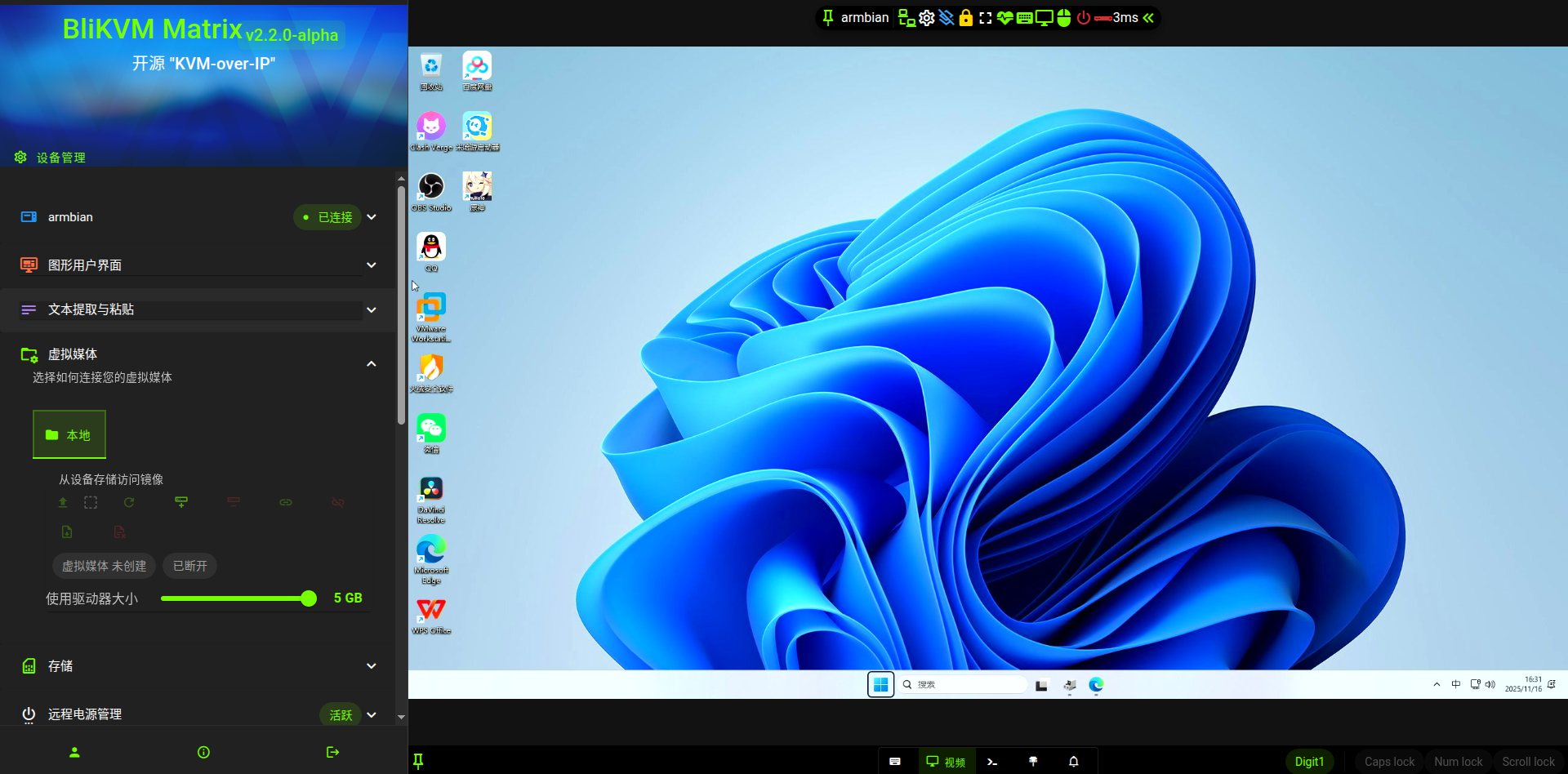
Screenshots
JetKVM
Docker Deployment
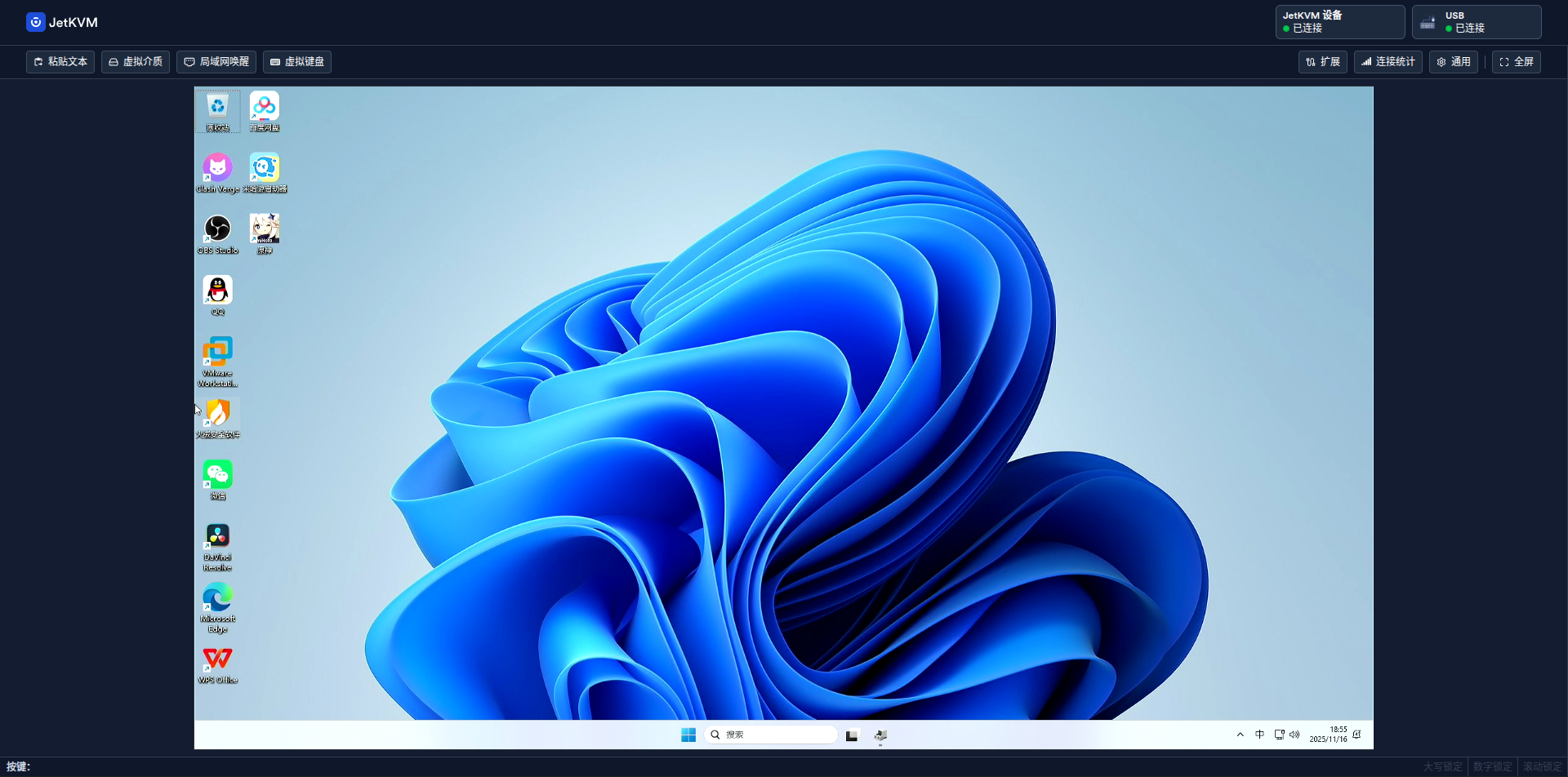
Screenshots
Other Notes
Hardware safety warning
To avoid potential risks (e.g., the target device failing to boot or recognize devices, and in rare cases hardware damage), we strongly recommend one of the following safety measures before using a USB cable:
Option 1: Cut or remove the red 5V power wire (VCC) in the USB cable, leaving only data (D+/D-) and ground (GND) to prevent back-powering.
Option 2: Insert a USB hub with an independent power switch in the link, and keep the hub powered off when connecting.
Some low-power devices may draw power back through the USB OTG port when their main power is off, causing an abnormal state that may prevent boot even after main power is restored.
Unless you fully understand the risks, use one of the above protections to keep devices safe.
Data safety
Avoid hard power-offs. Sudden power loss during eMMC writes can cause data loss.
If you must cut power, run sync after write operations to flush data. For shutdown or reboot, use poweroff or reboot so the system can sync and shut down cleanly.
SSH remote login
SSH is enabled by default on Armbian. The initial credentials are root/1234.
Warning
Do not use apt upgrade to upgrade the kernel and device tree; this may break the system and OTG functionality.
Hardware connections
The Type-C port is the USB OTG port for the target device. The USB 3.0 port is a standard USB port for the USB capture card.
USB endpoint count
This CPU provides 9 USB OTG endpoints, allowing up to 9 virtual USB endpoints in total.