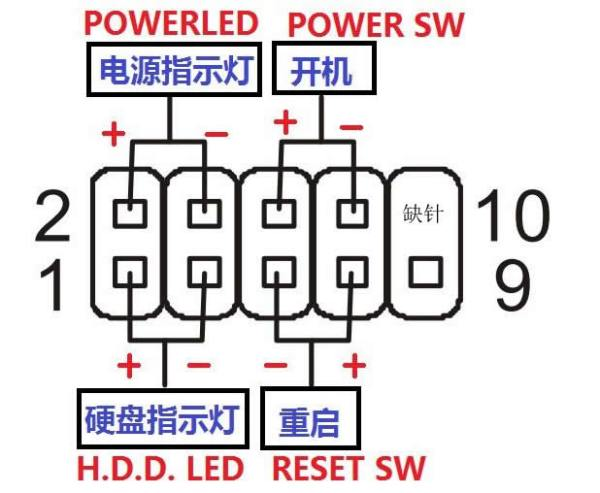
CumeBox 2
Hardware Overview
CumeBox 2 (also known as Bitmi Box) uses an Amlogic S905X processor with 1 GB RAM and 8 GB internal storage. It has a 100 Mbps Ethernet port, two USB 2.0 ports, one OTG 2.0 port, two SATA 3.0 ports, dual-band Wi-Fi and Bluetooth, a TF card slot, and HDMI output.
Integrated Image Deployment
The base image is built from Armbian Khadas-vim1 with DTB modifications. Ethernet, OLED, Wi-Fi, and OTG are all supported.
Flashing preparation and steps
- Download firmware: Get the Android TV 6.0 firmware. It is used as an intermediate system for flashing other OS images.
- Short board pads: Refer to the image and short the pads to enter flashing mode.
- Use the flashing tool: Use Amlogic USB Burning Tool to flash the Android TV firmware.
- Install APK: After booting into Android TV, install the APK that enables booting from external media (USB/TF) into Armbian.
- Switch to Armbian: After reboot, the device should boot into the prepared Armbian system.
- Write the final image: Use
ddto write the integrated image to eMMC.
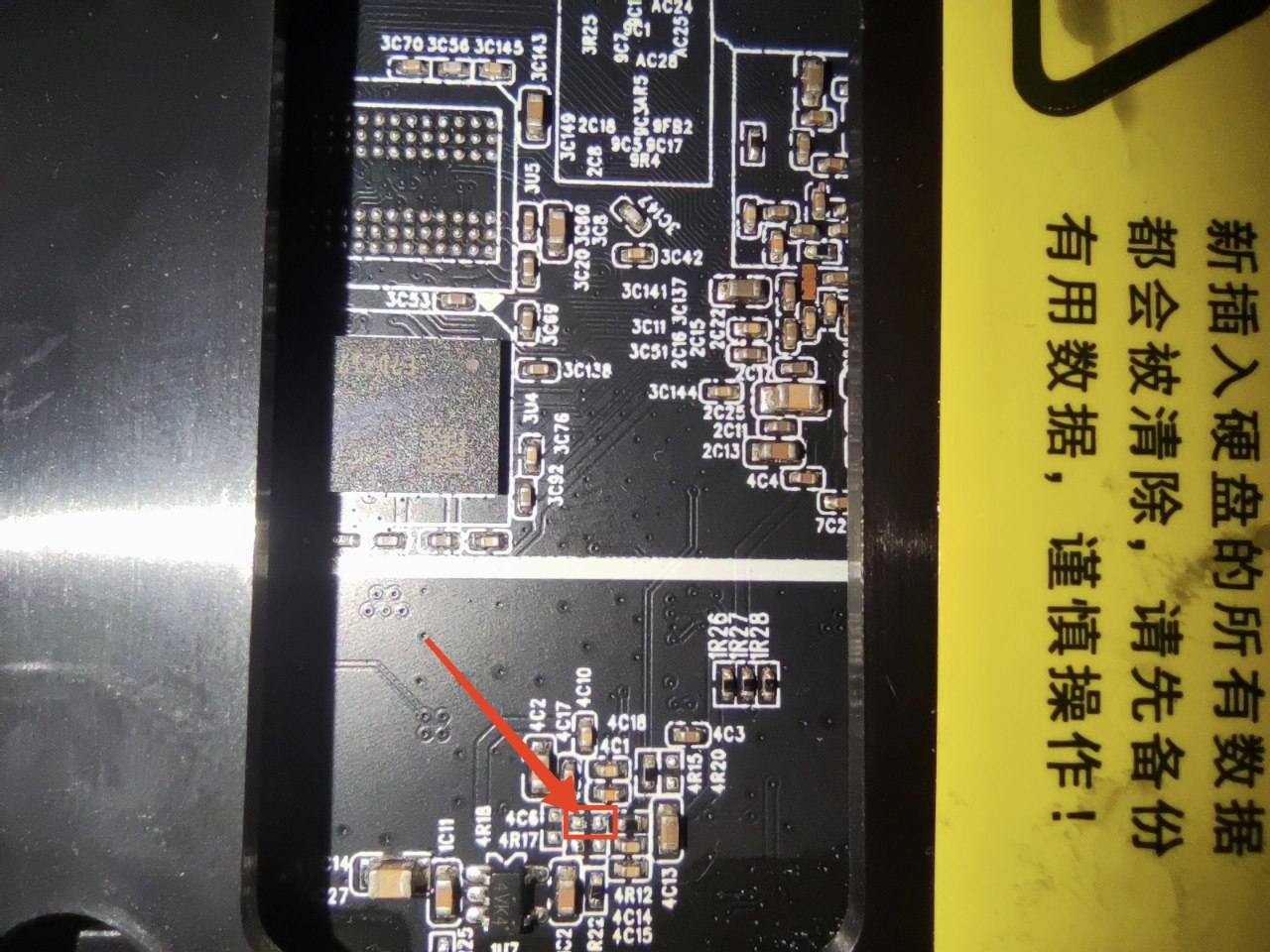
Detailed flashing guide: CumeBox 2/Bitmi Box Armbian flashing tutorial // Miao
Upgrade method
Write the latest dd image to a USB drive, plug it in, and boot. To write it to eMMC, use dd to flash it from the USB environment.
Docker Deployment
Install Docker
- Install via package manager:
- Or install the latest version:
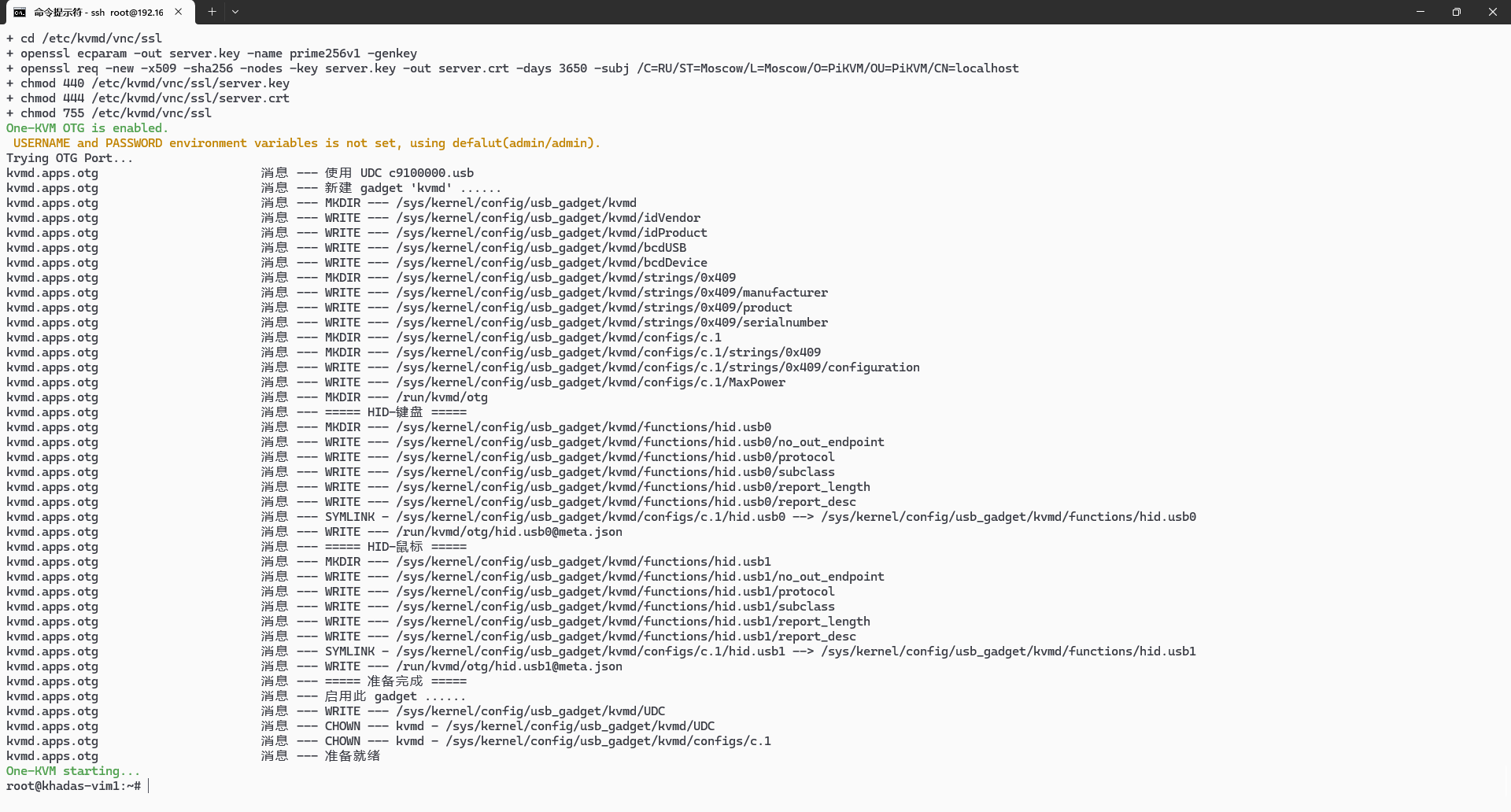
Deploy the One-KVM container
Usage Notes
Hardware safety warning
To avoid potential risks (e.g., the target device failing to boot or recognize devices, and in rare cases hardware damage), we strongly recommend one of the following safety measures before using a USB male-to-male cable:
Option 1: Cut or remove the red 5V power wire (VCC) in the USB cable, leaving only data (D+/D-) and ground (GND) to prevent back-powering.
Option 2: Insert a USB hub with an independent power switch in the link, and keep the hub powered off when connecting.
Some low-power devices may draw power back through the USB OTG port when their main power is off, causing an abnormal state that may prevent boot even after main power is restored.
Unless you fully understand the risks, use one of the above protections to keep devices safe.
Data safety
Avoid hard power-offs. Sudden power loss during eMMC writes can cause data loss.
If you must cut power, run sync after write operations to flush data. For shutdown or reboot, use poweroff or reboot so the system can sync and shut down cleanly.
SSH remote login
SSH is enabled by default on Armbian. The initial credentials are root/1234.
Warning
Do not use apt upgrade to upgrade the kernel and device tree; this may break the system and OTG functionality.
Hardware connections

OLED display
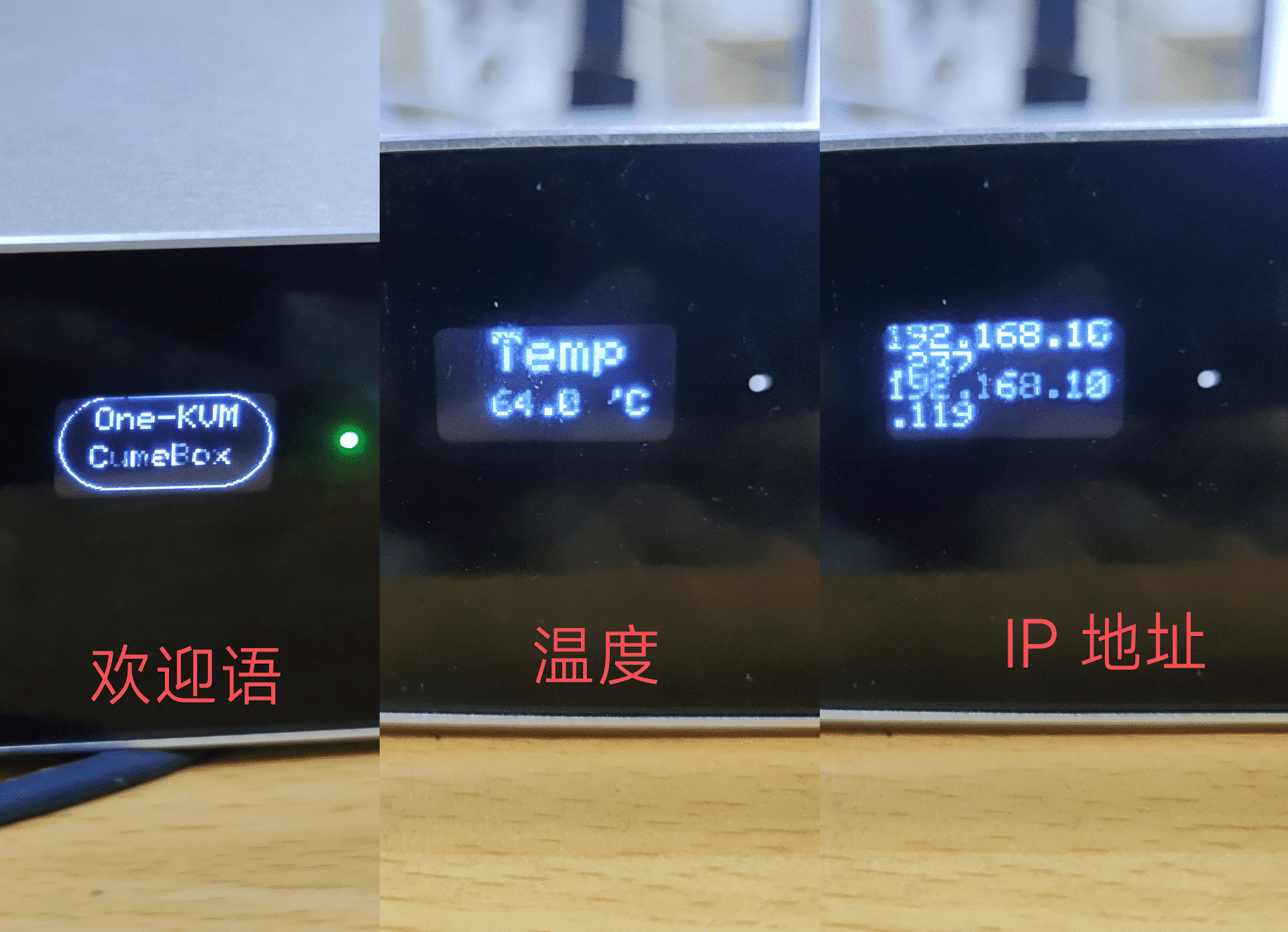
The front panel OLED cycles through a welcome message, temperature, and IP address.
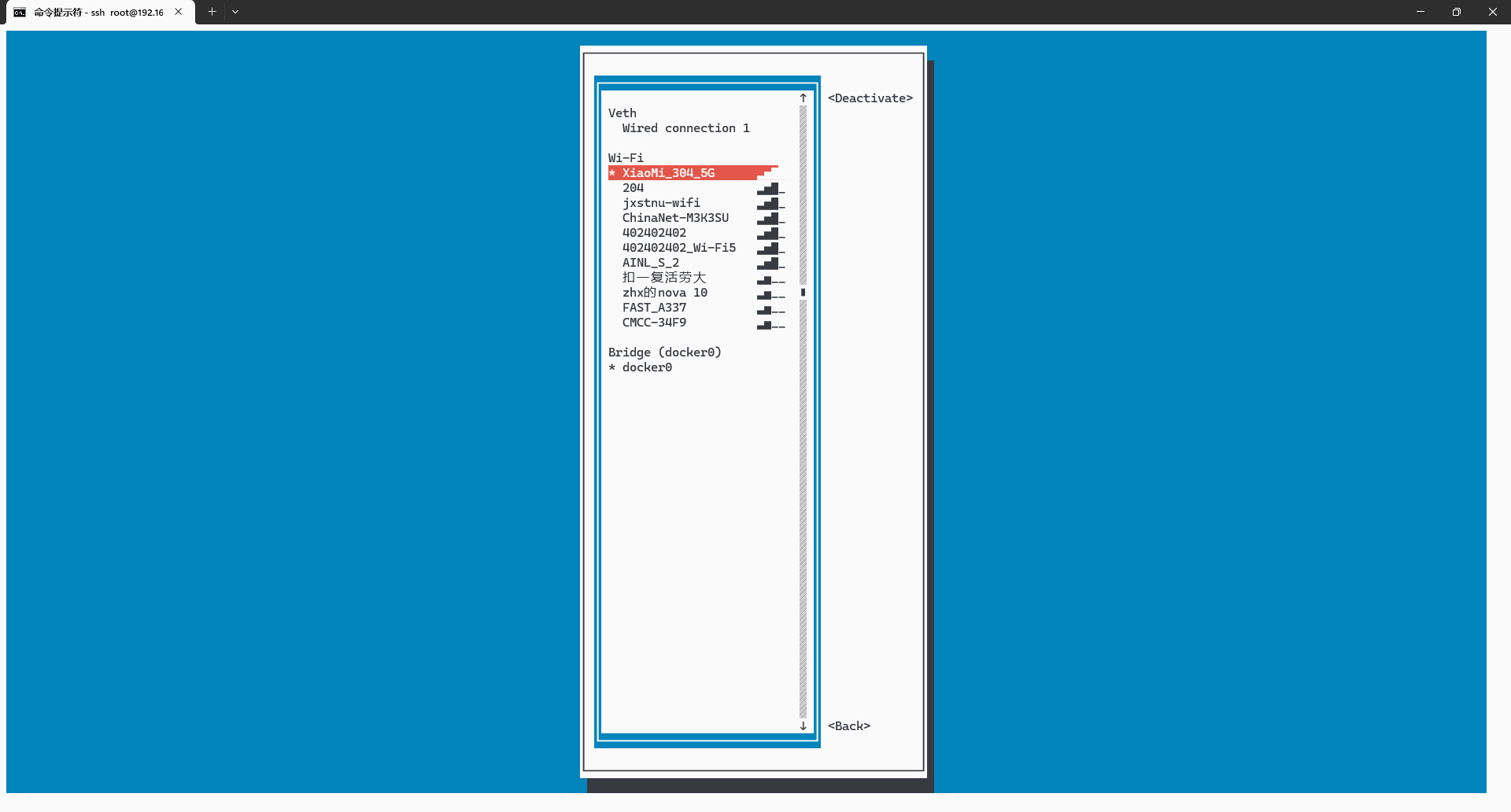
Wi-Fi connection
-
Install the package
-
Connect to Wi-Fi
ATX power control
CumeBox 2 can use a USB HID relay to control physical power on/off.