USB Relay
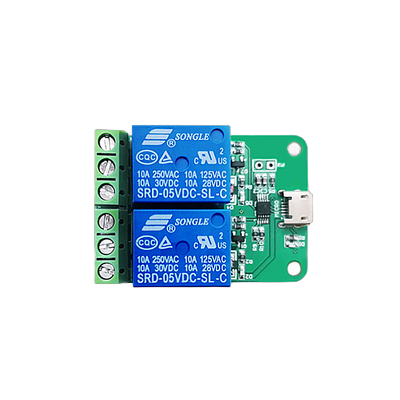
USB Relay for ATX Power Management
Requirements
- Device: LCUS_HID USB Relay
- Device path:
/dev/hidraw0

One-KVM
Docker configuration
When starting the Docker container, you need to:
- Map the relay device
- Set the environment variable
ATX=USBRELAY_HID
Example
Below is a sample deployment for Cumebox 2:
Integrated image configuration
Integrated images default to: ARM devices use GPIO, x64 virtual machines use the USB relay. If you need a different strategy, edit the scripts under /etc/kvmd/atx.sh and /etc/kvmd/cutom_atx.